Understanding General Data Protection in Microsoft 365
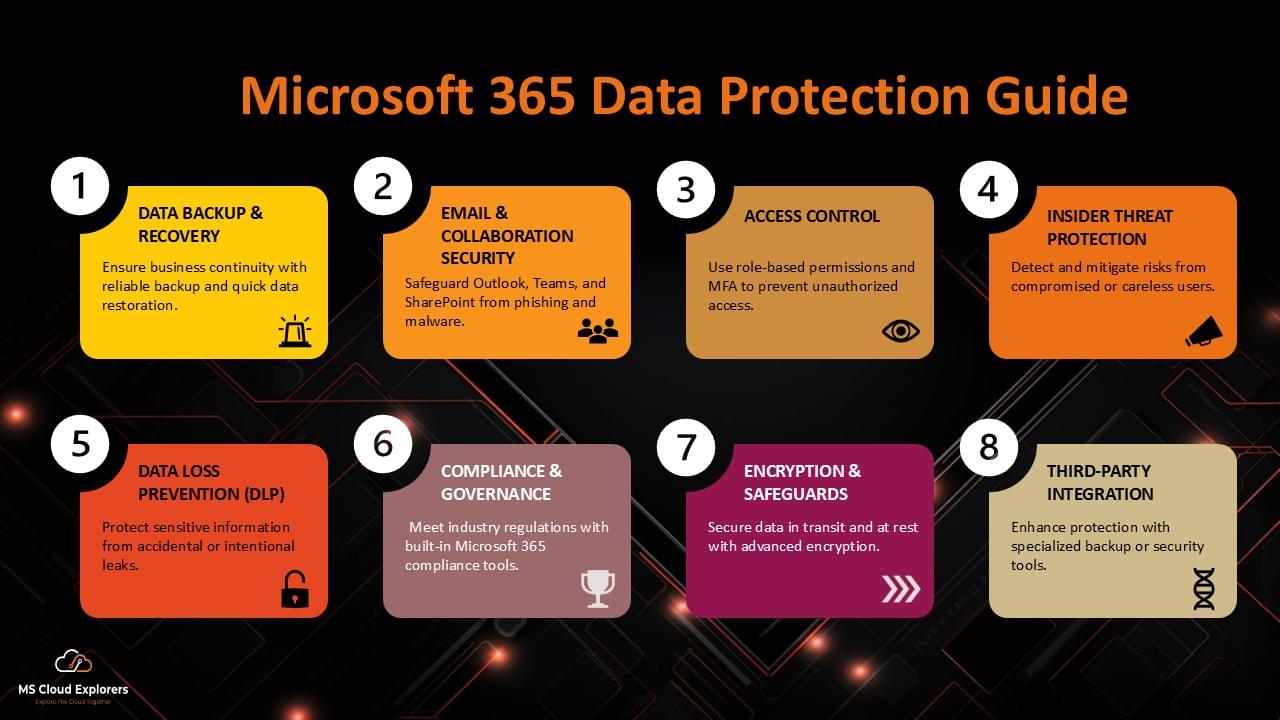
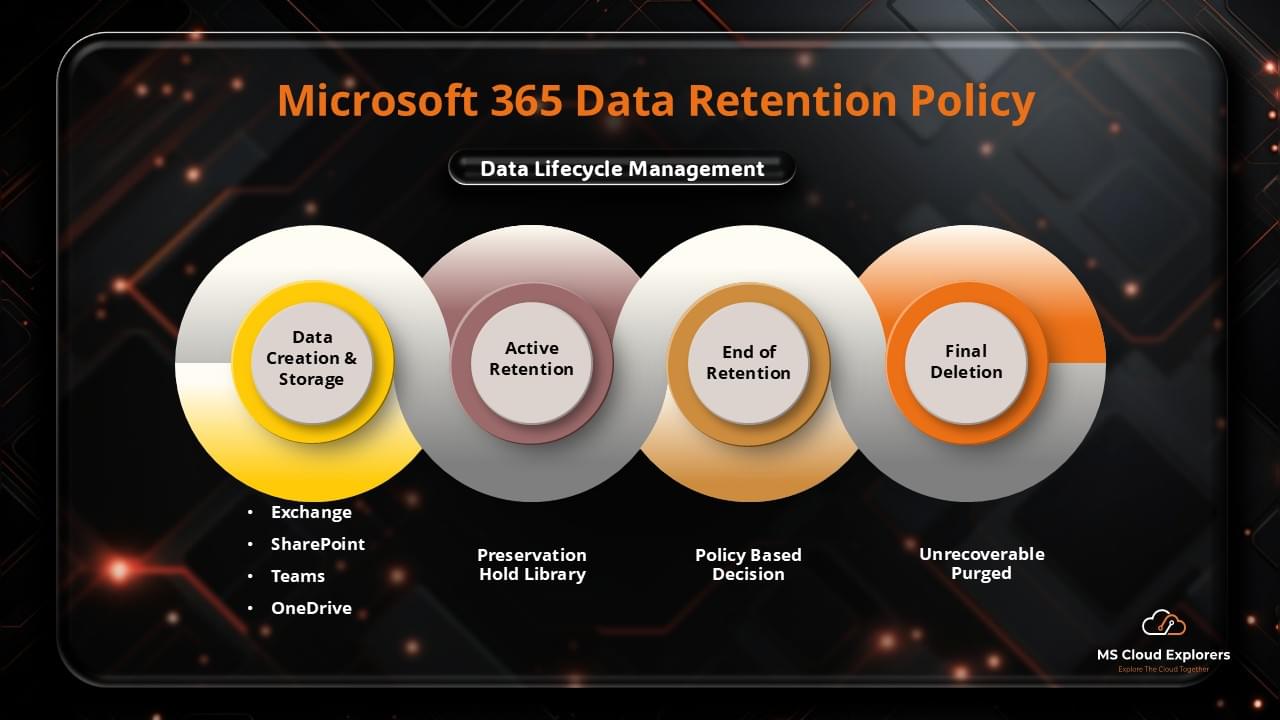
Microsoft 365 offers a comprehensive suite of security tools that help organizations safeguard their data. These tools ensure data privacy and security, providing strong protection for sensitive information shared across emails, cloud storage, and collaboration tools. As organizations increasingly rely on digital platforms, the importance of securing sensitive data in Microsoft 365 becomes even more critical.
Microsoft 365 General Data Protection
Why General Data Protection Matters in Microsoft 365
With vast amounts of business-critical data stored and shared within Microsoft 365, it is vital to implement robust data protection strategies. These strategies ensure compliance with global data privacy regulations (like GDPR and HIPAA) and help reduce the risk of data breaches.
Key Features of Microsoft 365 for General Data Protection
| Feature | Description |
|---|---|
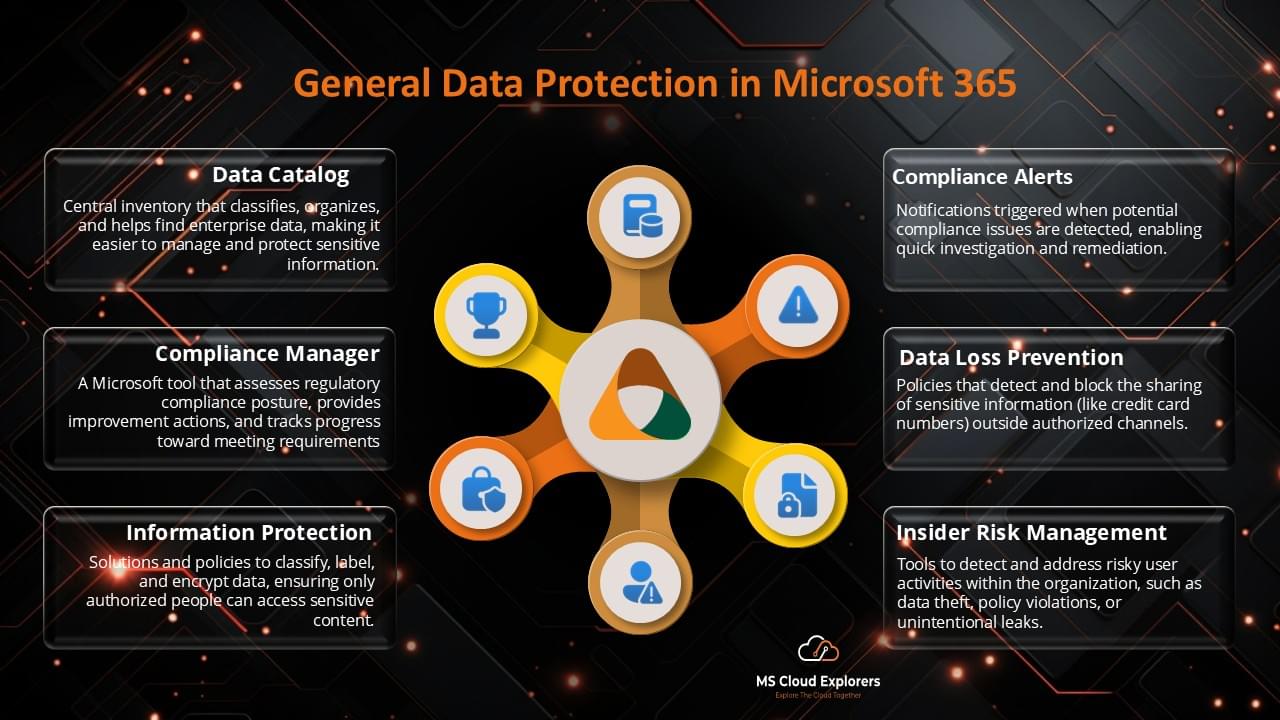
| Microsoft Purview Information Protection | Helps classify and protect data based on sensitivity, ensuring that data is handled according to compliance requirements. |
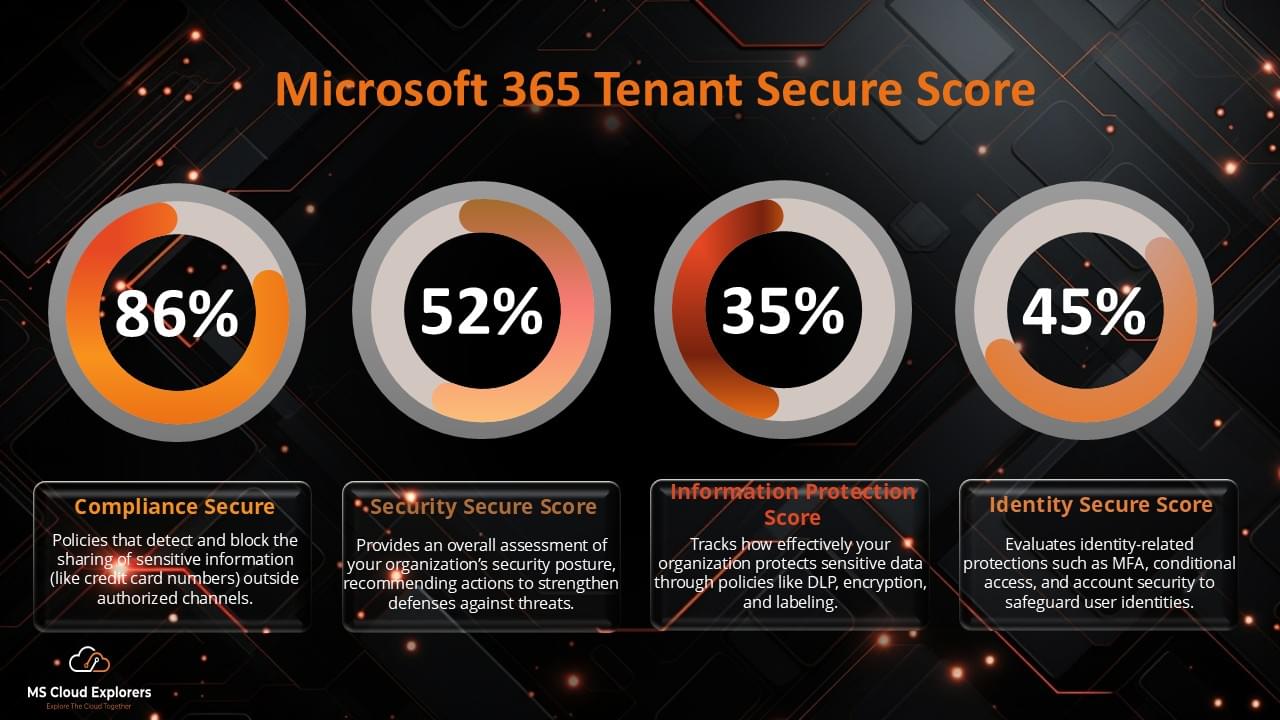
| Data Loss Prevention (DLP) | DLP policies prevent the accidental sharing of sensitive data, such as credit card numbers or confidential business data. |
| Compliance Manager | This tool assists businesses in assessing regulatory compliance risks and implementing best practices to ensure data privacy and security. |
| Azure Information Protection (AIP) | AIP offers labeling and encryption capabilities to secure documents and emails within the Microsoft ecosystem. |
Best Practices for Enhancing General Data Protection in Microsoft 365
To protect sensitive information effectively, follow these best practices:
- Enable Multi-Factor Authentication (MFA): Add an extra layer of security by requiring multiple forms of verification to access accounts.
- Set Up Conditional Access Policies: Control who can access your organization’s data based on factors like device health, location, or other parameters.
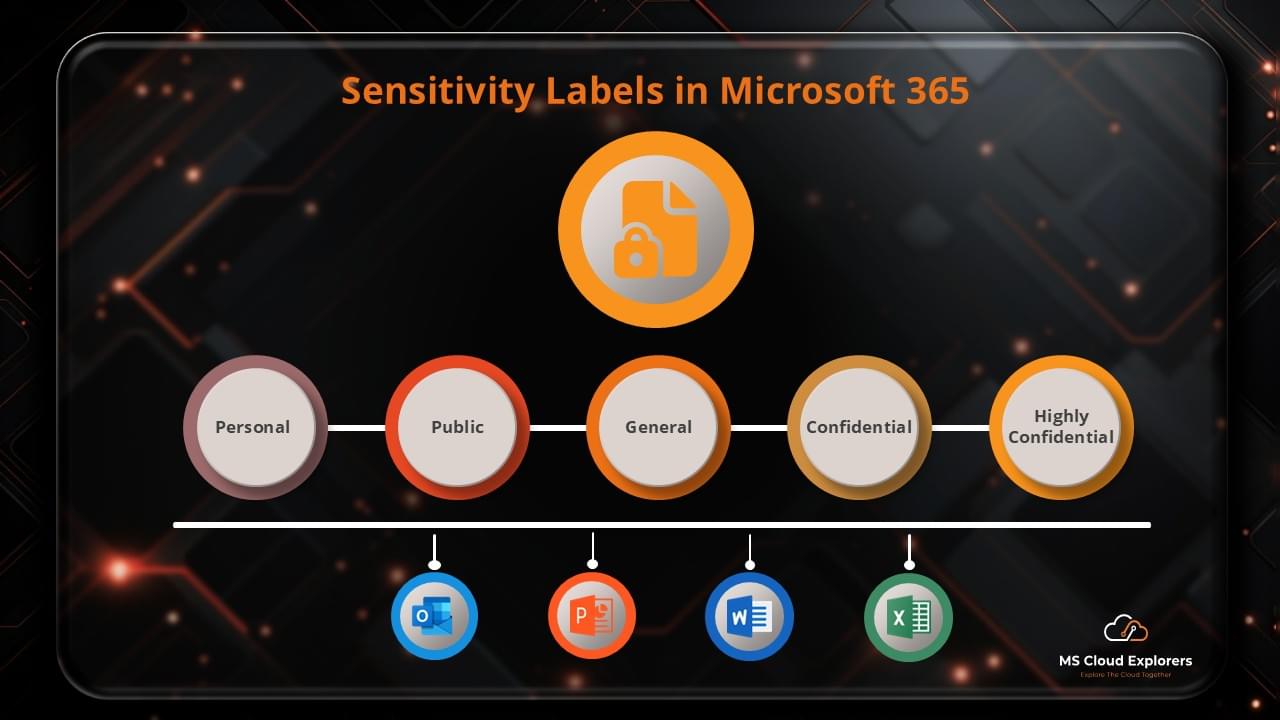
- Utilize Sensitivity Labels: Classify and encrypt sensitive data to protect it from unauthorized access.
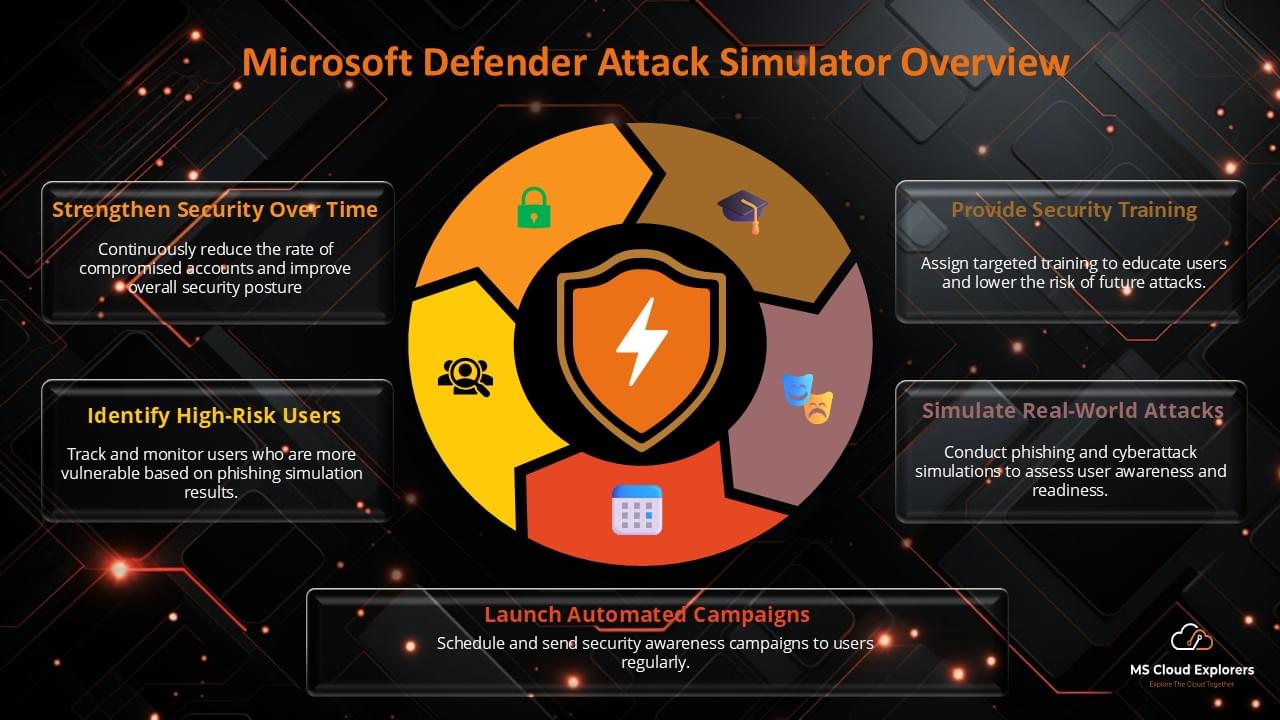
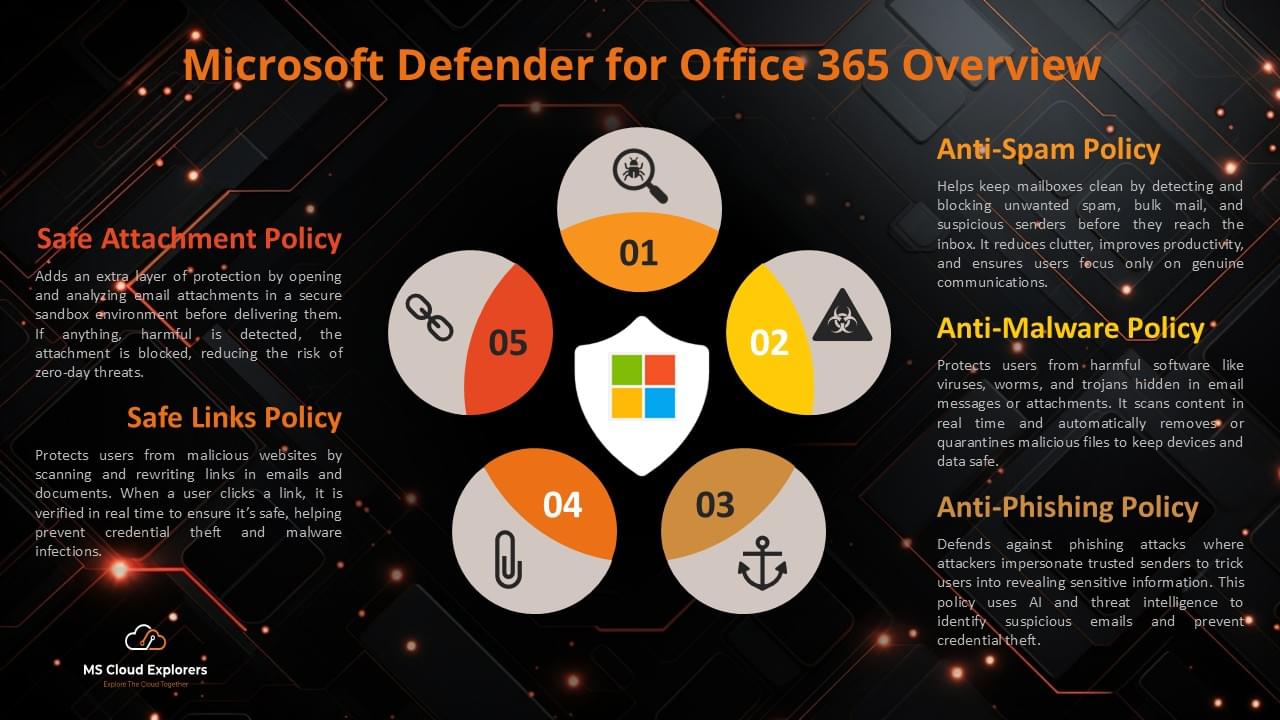
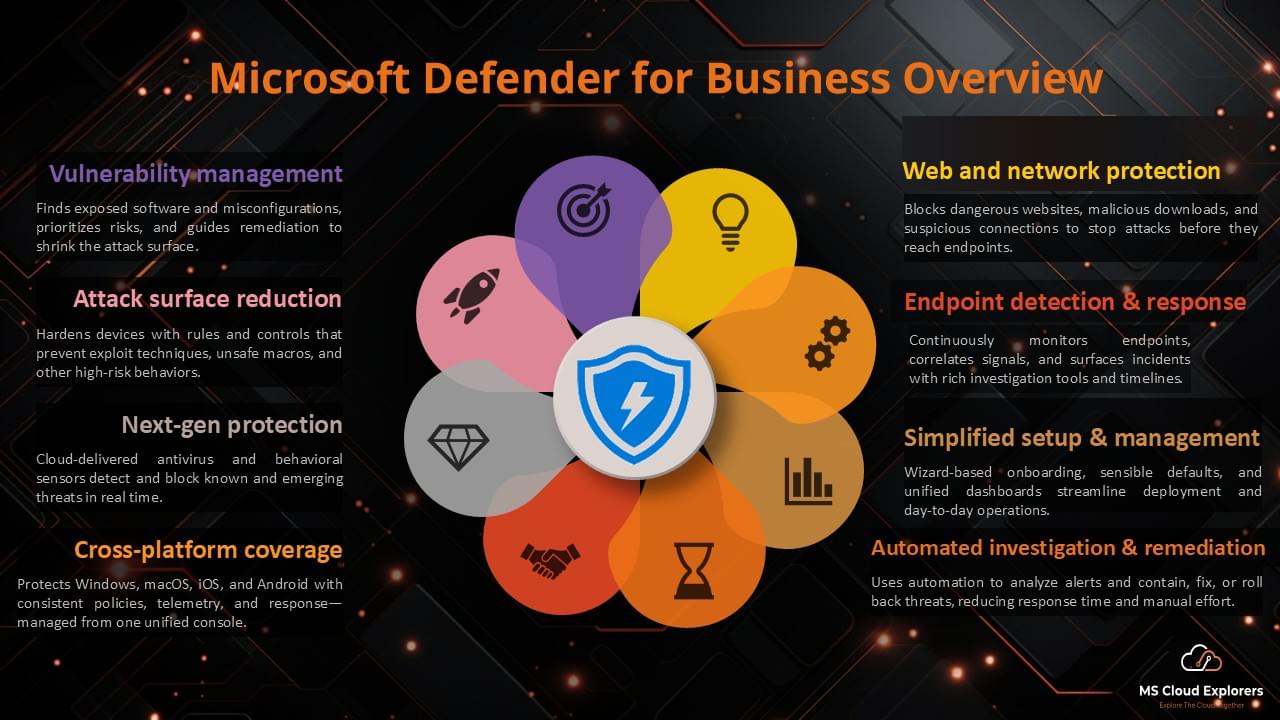
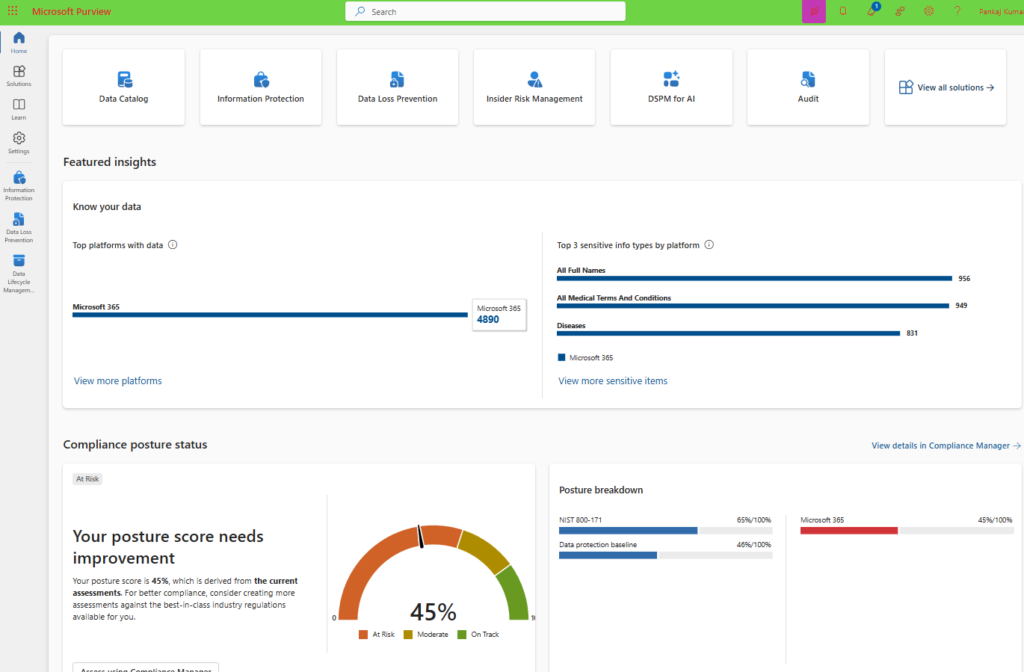
- Regularly Audit and Monitor Data Activity: Use Microsoft Defender and Compliance Manager to track security risks and compliance status.
- Train Employees on Data Privacy: Educate staff on how to handle sensitive information and follow best practices for data protection.
How Microsoft 365 Enhances Data Privacy and Security
Microsoft 365 incorporates several advanced security features, including:
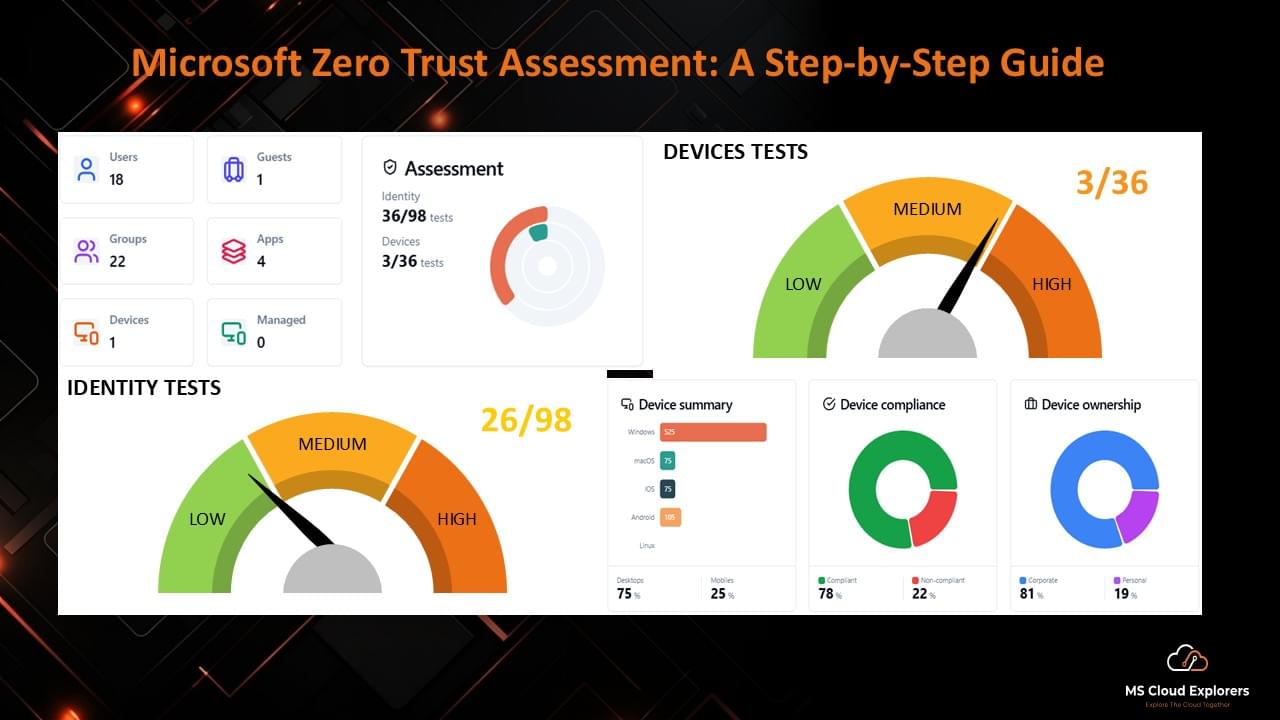
- Zero Trust Security Model: Proactively protects against threats by verifying every request for access to sensitive data, ensuring that only authorized users can access your systems.
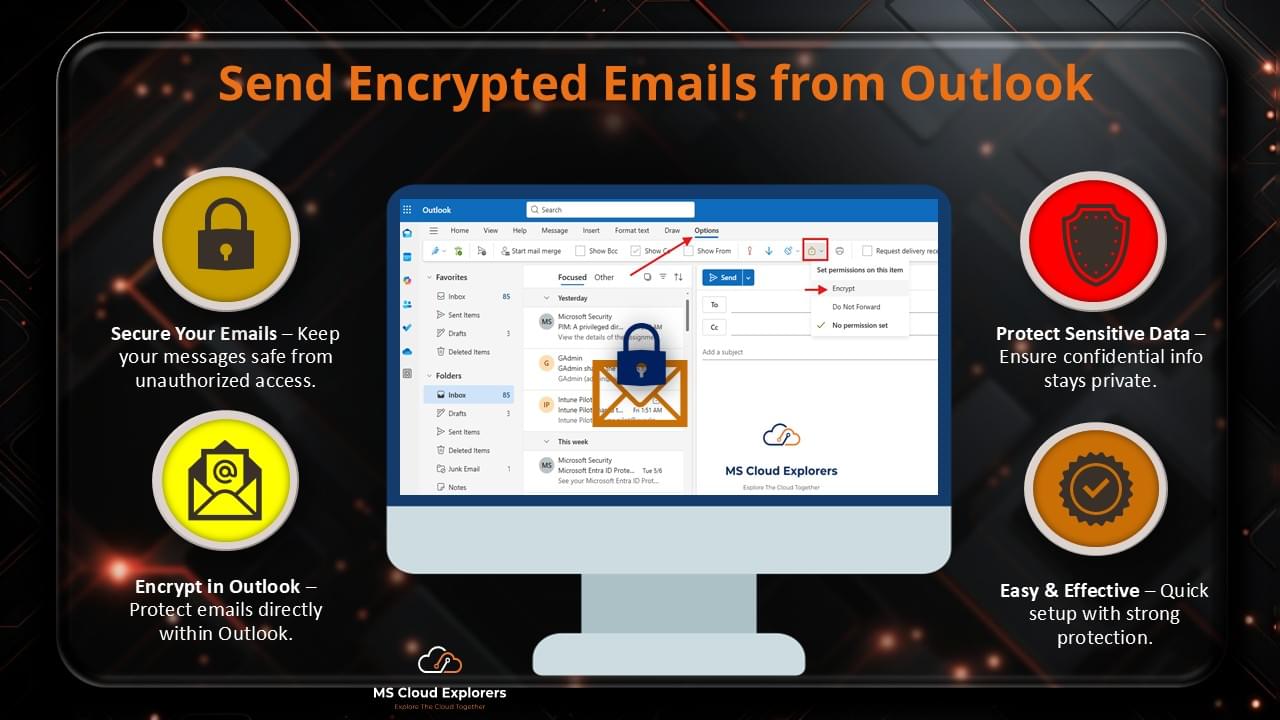
- End-to-End Encryption: Ensures data is encrypted both during transmission and at rest, securing communications and files within Microsoft 365.
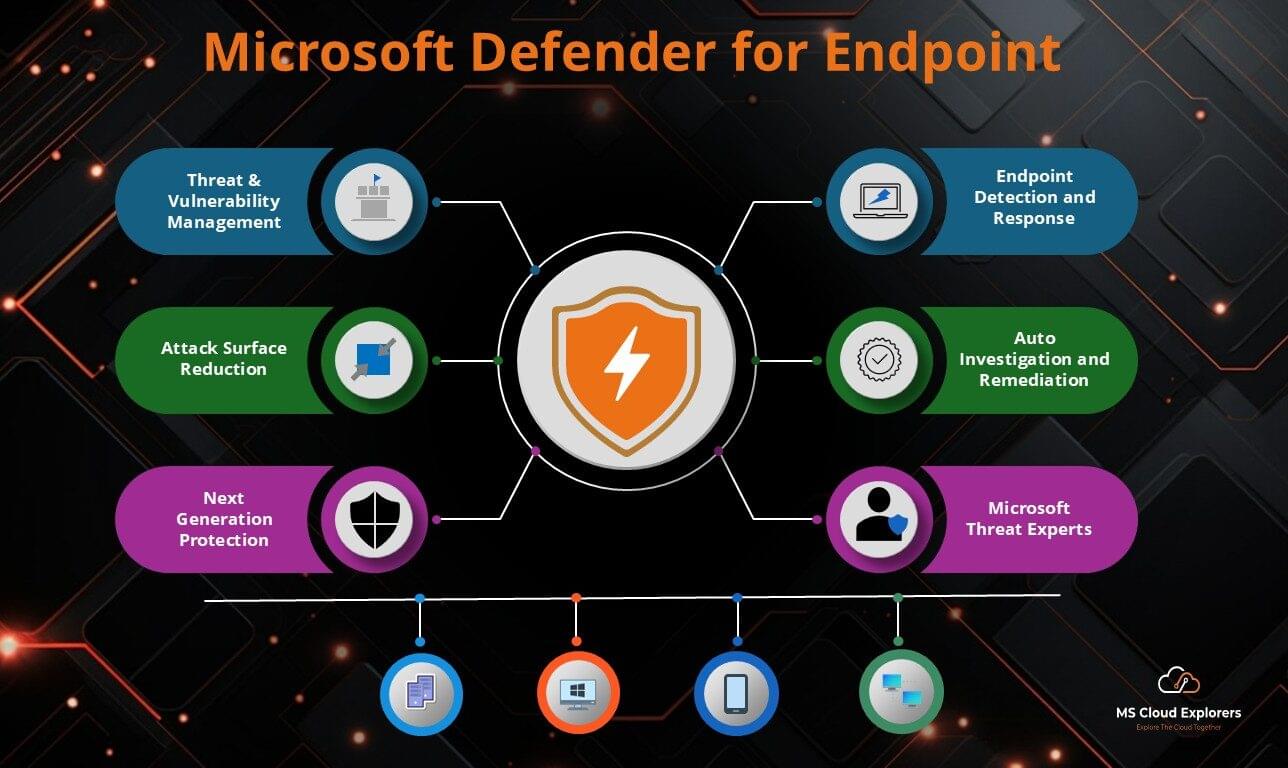
- Threat Intelligence and Detection (via Microsoft Defender): Continuously monitors for threats and provides real-time alerts, helping organizations respond to potential security risks.
Microsoft 365: General Data Protection Overview
Steps for Data Protection in Microsoft 365
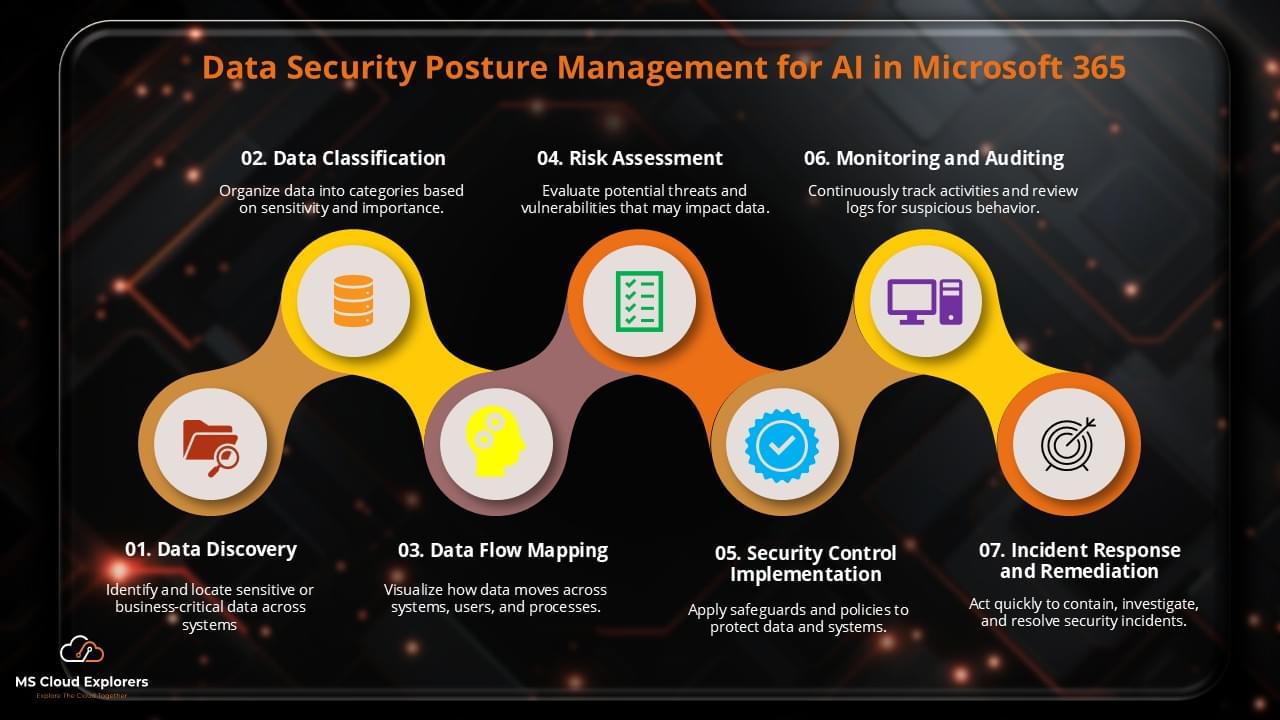
Here’s a breakdown of how Microsoft 365 ensures general data protection with the following key steps:
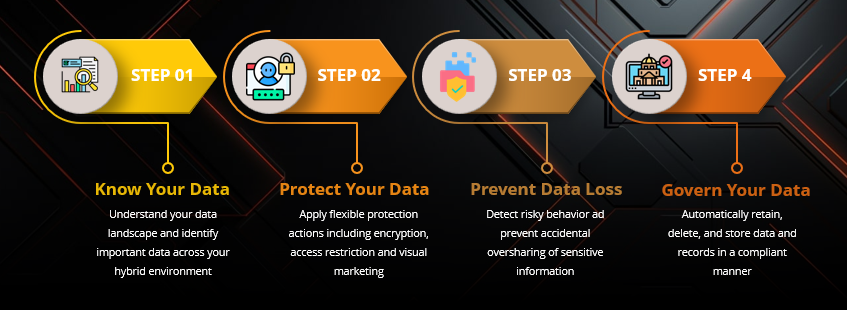
- Know Your Data
Understand your data landscape and classify important information across your hybrid environment. - Protect Your Data
Apply flexible protection actions, including encryption, access restrictions, and visual labeling. - Prevent Data Loss
Identify potential risks and protect critical information from unintentionally being shared. - Govern Your Data
Retain, remove, and store data automatically in a compliant way.
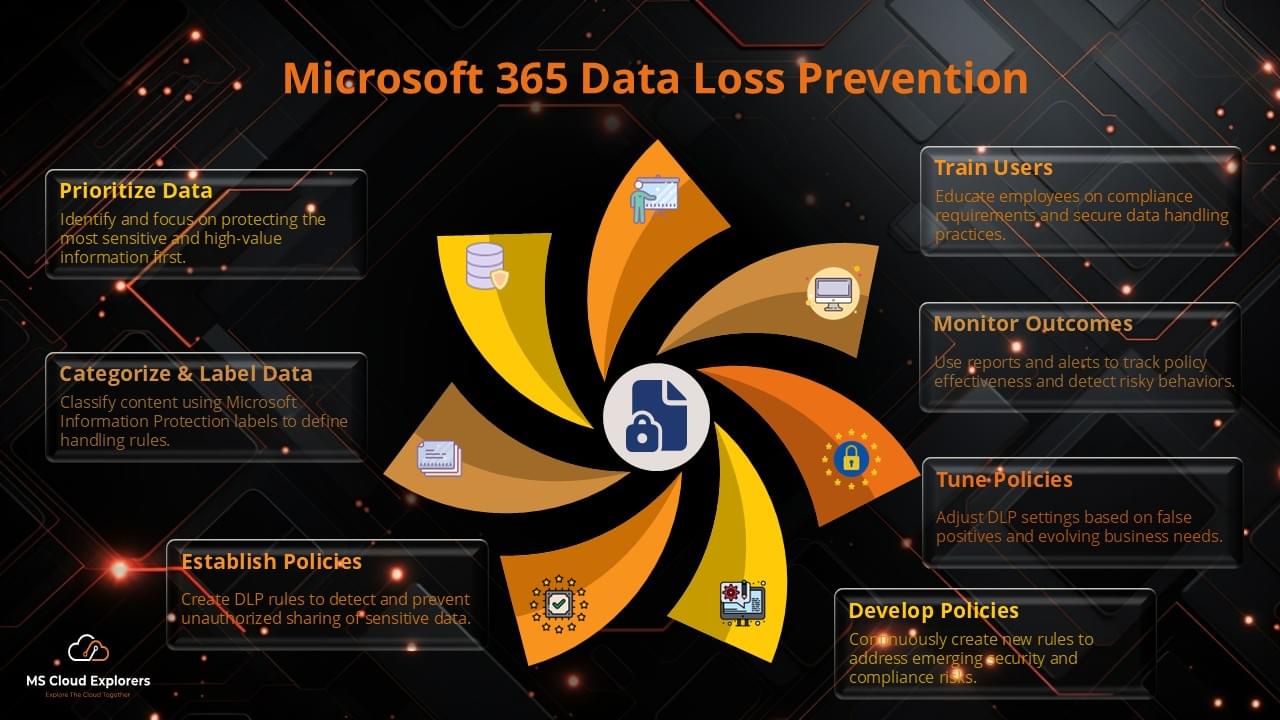
Why is Data Loss Prevention (DLP) Important in Microsoft 365?
Data Loss Prevention plays a crucial role in safeguarding data across your Microsoft 365 environment. It uses policies to prevent unauthorized sharing or leakage of sensitive information. DLP also helps your organization comply with regulations like GDPR and HIPAA, mitigating the risk of fines and data breaches.
Benefits of Data Loss Prevention (DLP)
| Benefit | Description |
|---|---|
|
Classify and Monitor Sensitive Data
|
Helps identify sensitive data and its usage across the organization to ensure it is properly protected. |
|
Automate Data Classification
|
Automatically classifies documents based on their content, ensuring that sensitive data is protected. |
|
Monitor Data Access and Usage
|
Keeps track of who accesses what data, when, and why to ensure compliance with data access policies. |
|
Improve Visibility and Control
|
Provides insights into the organization’s data landscape, helping administrators identify potential risks and improve data governance. |
Conclusion
Microsoft 365 offers an effective platform for general data protection, with features like Microsoft Purview, Data Loss Prevention, and Azure Information Protection. These tools help organizations protect sensitive data, ensure compliance with global regulations, and improve overall data security posture.
FAQs
1. How does Microsoft 365 support general data protection?
Microsoft 365 provides encryption, compliance tools, and data loss prevention features to safeguard information.
2. What is the best way to ensure data privacy and security in Microsoft 365?
Utilizing tools like Microsoft Purview, MFA, and Sensitivity Labels enhances data security and compliance.
3. How does Microsoft 365 handle information protection for enterprises?
Through features like Azure Information Protection and Compliance Manager, Microsoft 365 helps businesses secure and manage sensitive information.
4. Does Microsoft 365 compliant with global data privacy regulations?
In order to protect data privacy, Microsoft 365 does comply with GDPR, HIPAA, and other legal frameworks.
5. How can organizations monitor data protection within Microsoft 365?
Using Microsoft Defender and Compliance Manager, businesses can track security risks and compliance adherence.
Related URL:-
- Microsoft 365 Data Protection: The Ultimate Guide to Secure Your Cloud Data
- How to Setup Microsoft 365 Data Loss Prevention: A Comprehensive Guide
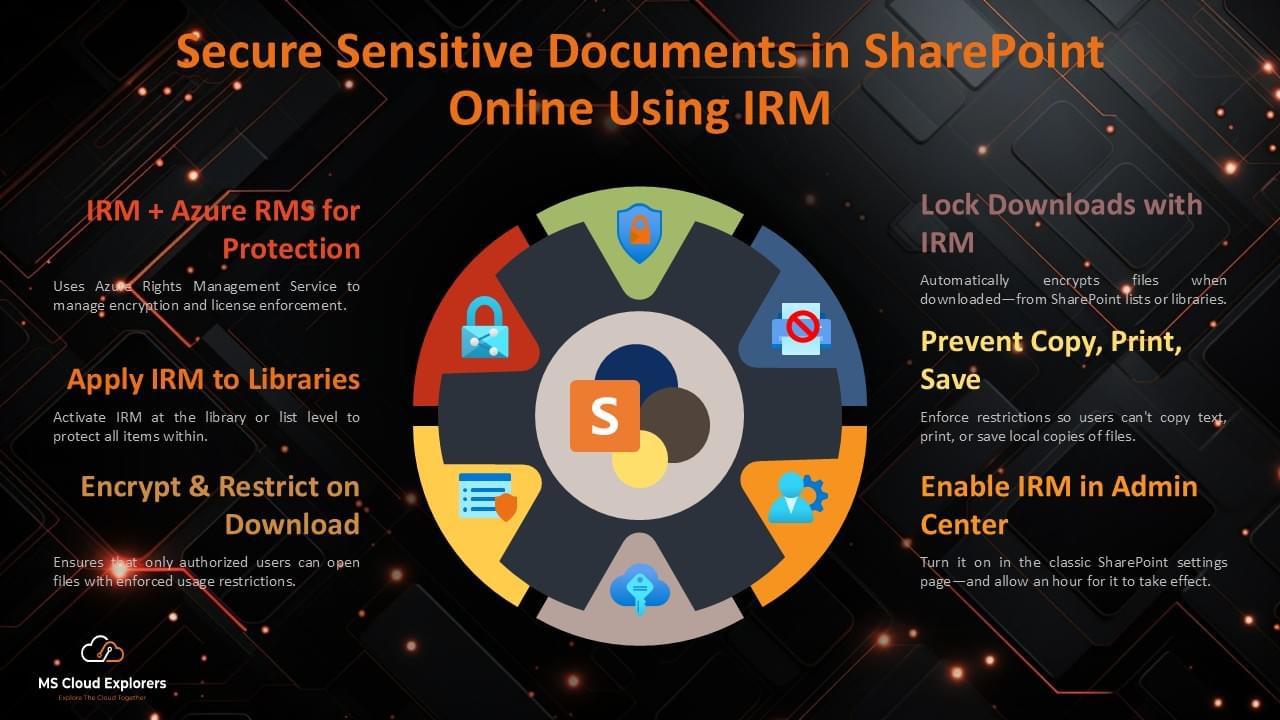
- Secure Sensitive Documents in SharePoint Online Using IRM: A Step-by-Step Guide
- How to Send Encrypted Email in Outlook: A Step-by-Step Guide for Beginners
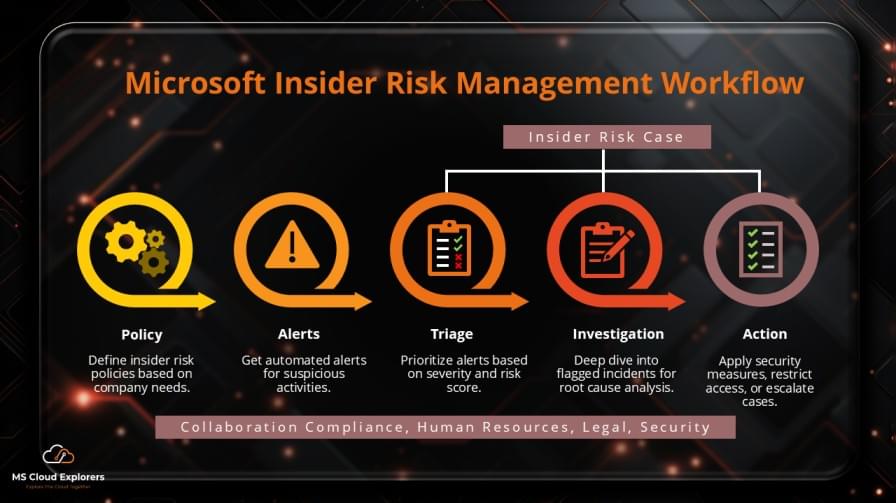
- Microsoft Insider Risk Management: A Complete Guide to Prevent Insider Threats
Enjoyed the article?
We’d love to hear your thoughts—share your comments below!
For more insights, guides, and updates from the Microsoft ecosystem, be sure to subscribe to our newsletter and follow us on LinkedIn. Stay connected and never miss out on the latest tips and news!