

Microsoft Defender for Identity is a robust, cloud-based security solution designed to help enterprise security operations teams identify, detect, and investigate advanced threats, compromised identities, and malicious insider actions directed at your organization. Built natively for hybrid environments, it integrates tightly with Microsoft Entra ID and Active Directory to deliver real-time protection and insight into identity-based threats.
What Is Microsoft Defender for Identity?
Microsoft Defender for Identity (formerly Azure Advanced Threat Protection or Azure ATP) is a powerful security solution that monitors and analyzes user activities and information across your network. It uses on-premises Active Directory signals and cloud intelligence to provide advanced threat protection and identity threat detection.
This solution enables security operations teams to uncover suspicious activity, compromised credentials, lateral movement, and privilege escalation attempts, ultimately reducing the time it takes to detect and respond to threats.
Core Capabilities of Microsoft Defender for Identity
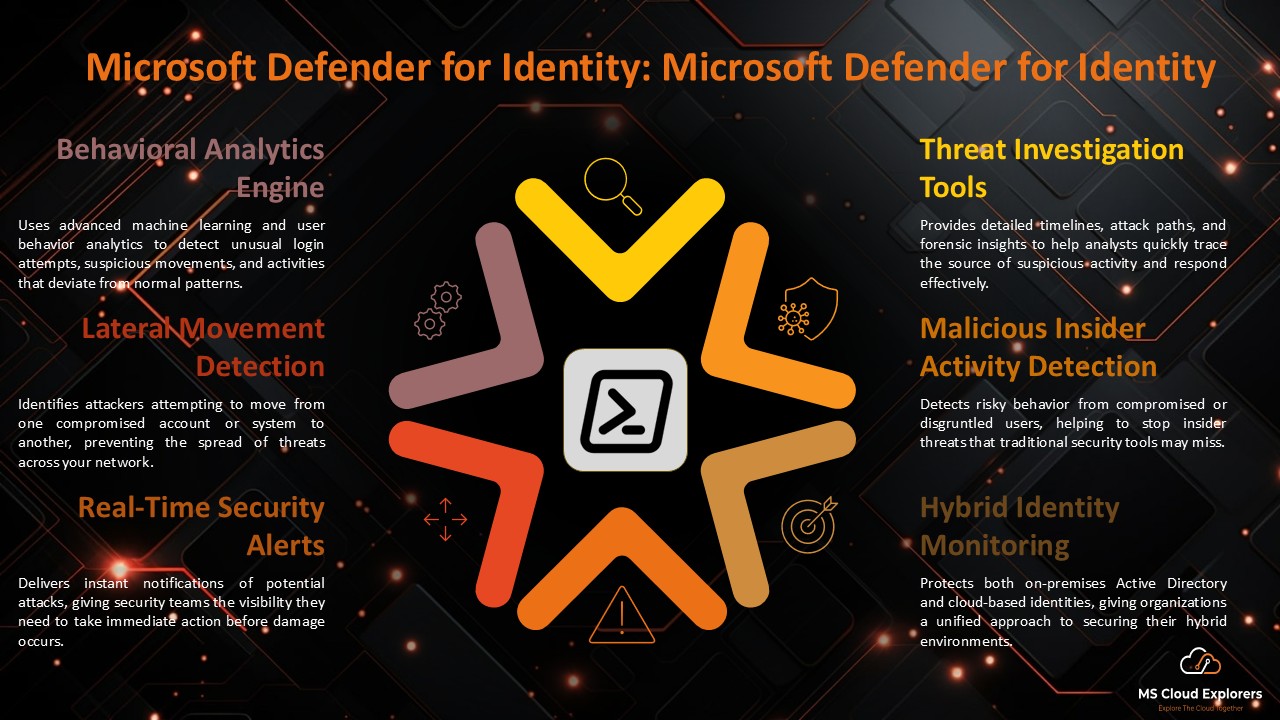
Behavioral Analytics Engine
Defender for Identity generates behavior profiles for each person and object using AI and machine learning. This includes baseline modeling, anomaly detection, and adaptive threat detection. As a result, unusual behavior — like unexpected logins, strange resource access, or changes in lateral movement — is flagged immediately.
Lateral Movement Detection
Threat actors often perform reconnaissance to identify privileged accounts. Defender for Identity monitors movements like:
- Pass-the-Ticket (PtT)
- Pass-the-Hash (PtH)
- Remote execution
- Kerberos golden/silver ticket attacks
Detecting these behaviors early can prevent privilege escalation and domain compromise.
Security Alerts and Investigation
Alerts are created in real time for high-risk situations like:
- Suspicious login attempts
- Lateral movement paths
- Reconnaissance (e.g., enumeration of users and groups)
- Credential exposure
- Remote code execution attempts
Alerts integrate natively with Microsoft 365 Defender and SIEM/SOAR systems like Microsoft Sentinel for deeper investigation and incident correlation.
Identity Security Posture Insights
Defender for Identity continuously evaluates your Active Directory environment against best practices, offering insights into:
- Stale or dormant accounts
- Excessive privilege assignments
- Password reuse
- Shadow admin accounts
- Risky trust relationships between domains
Deployment Architecture
Defender for Identity operates through a sensor-based deployment model:
- Sensors are installed directly on domain controllers (DCs) and read domain traffic locally.
- Cloud Service receives and processes data from these sensors via encrypted communication channels.
- Using Microsoft 365 Defender to access the portal and examine alerts, posture reports, and investigation timelines.
Common Use Cases and Scenarios
Detecting Compromised Credentials
Defender for Identity uses real-time monitoring and behavioral analytics to spot abnormalities like:
- Logins from atypical geolocations
- Time-of-day anomalies
- Access to sensitive resources without proper context
Discovering Malicious Insider Activity
Tracks employee behavior for indicators such as:
- Mass file access
- Attempted access to restricted resources
- Changes to security groups or roles
Protecting Hybrid Environments
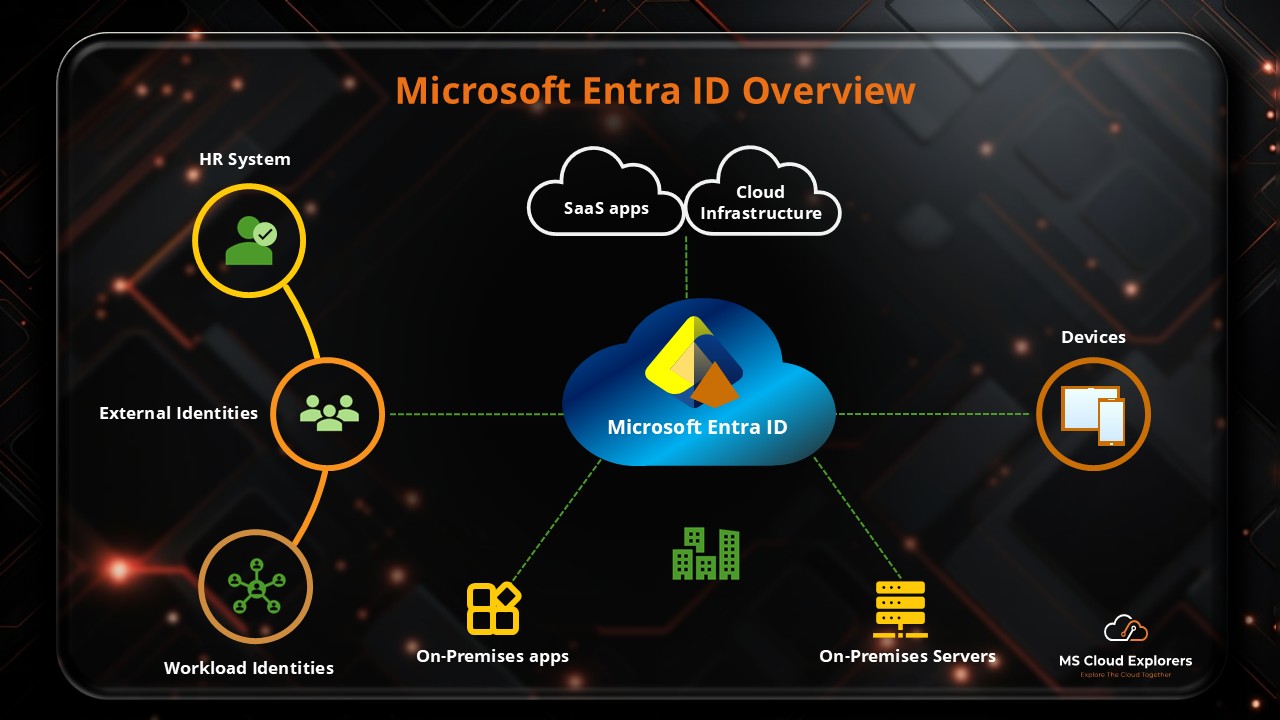
For organizations operating in hybrid identity models, Defender for Identity bridges the on-prem and cloud environments, ensuring consistent monitoring and policy enforcement.
Integration with Microsoft Security Stack
Defender for Identity is designed to work seamlessly with:
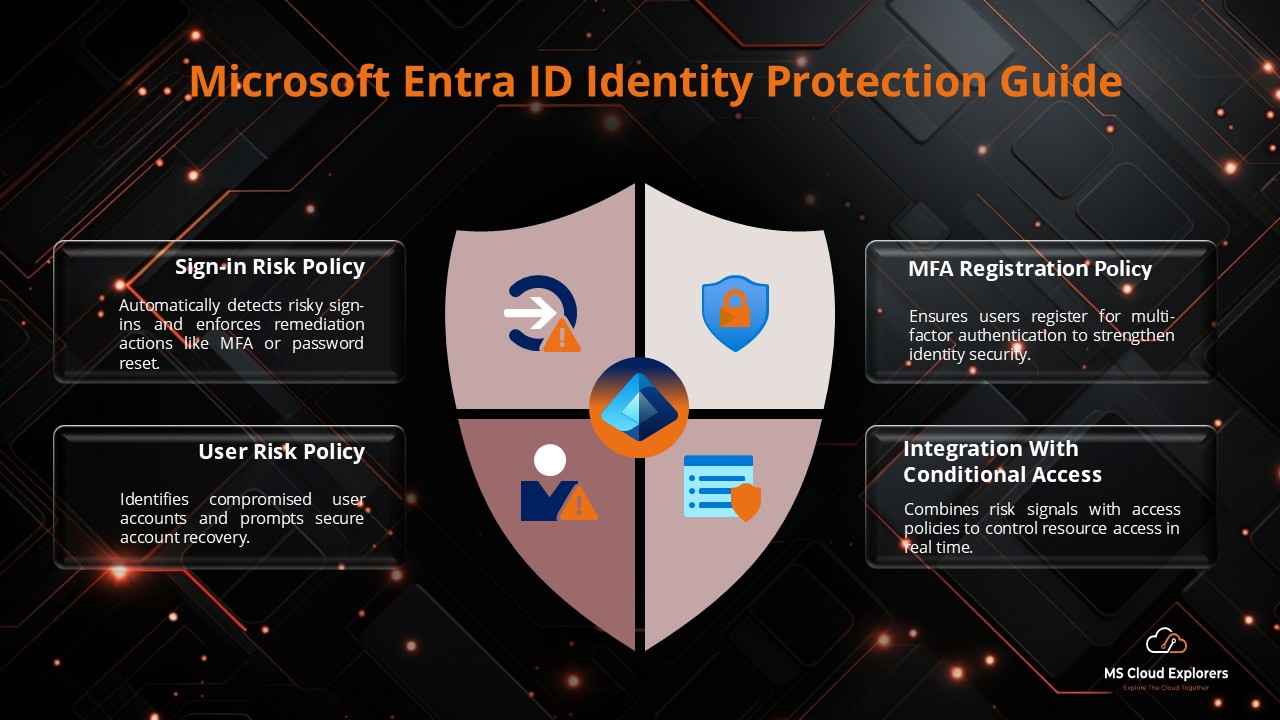
- Microsoft Entra ID Protection
- Microsoft Sentinel
- Microsoft Defender for Endpoint
- Microsoft Defender XDR
- Microsoft Purview for compliance scenarios
These integrations enable a unified SOC experience and enhance correlation across multiple attack vectors.
Benefits of Microsoft Defender for Identity
| Feature | Benefit |
| Real-time identity threat detection | Reduces Mean Time to Detect (MTTD) and respond |
| Native AD integration | No need for port mirroring or separate infrastructure |
| Machine learning-based analytics | Higher detection accuracy with reduced false positives |
| Seamless Microsoft ecosystem integration | End-to-end protection and centralized threat management |
| Comprehensive investigation tools | Timeline views, incident tagging, and advanced hunting capabilities |
Requirements and Licensing
- Pre-requisites:
- Windows Server 2012 R2 or later
- Access to all Active Directory domain controllers
- Microsoft 365 E5, A5, or Microsoft Defender for Identity standalone license
- Licensing: Included in Microsoft 365 E5 Security or available as an add-on for other plans.
Incident Response and Threat Mitigation
Defender for Identity helps automate early-stage response by:
- Triggering alerts in Microsoft Sentinel playbooks
- Isolating compromised accounts
- Blocking lateral movement paths
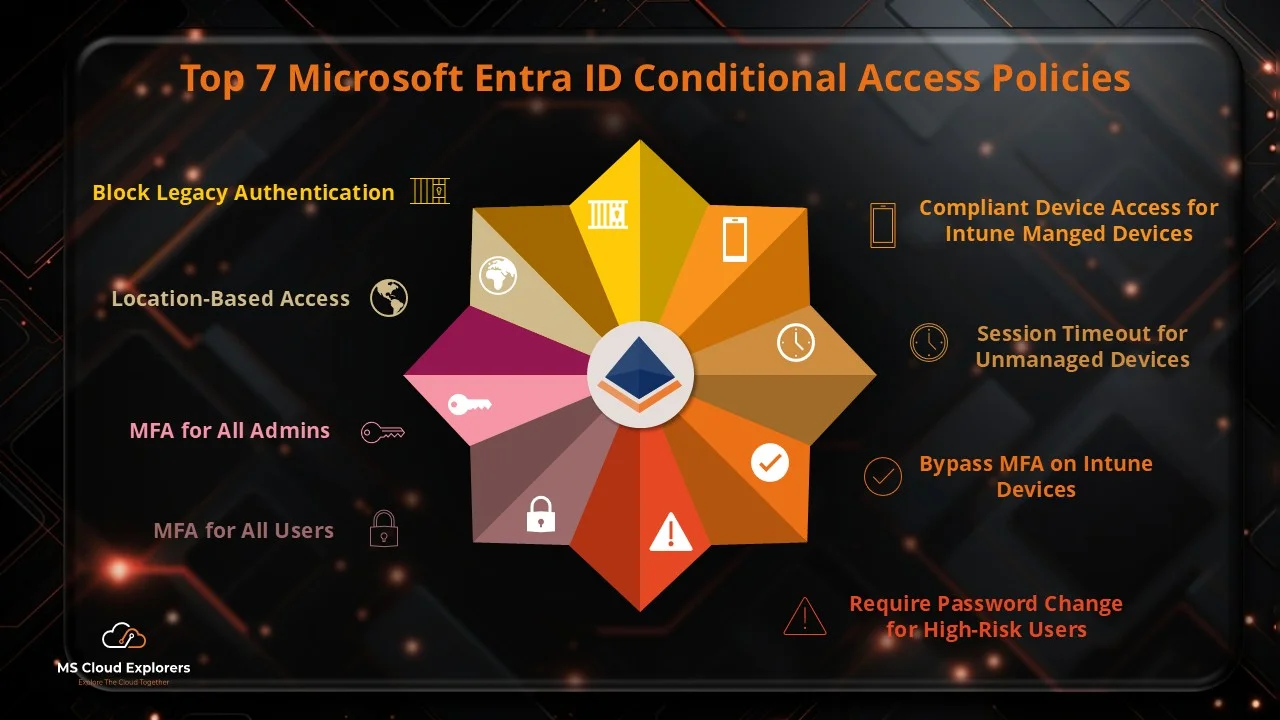
- Enforcing Conditional Access via Microsoft Entra
Security teams can investigate incidents in Microsoft 365 Defender with a timeline of activities, related entities, and suggested remediation steps.
Final Thoughts: Strengthen Identity Protection Today
A vital tool for businesses trying to improve visibility and defense against identity-based attacks is Microsoft Defender for Identity. By leveraging its real-time detection, behavioral analytics, and deep integration with Microsoft’s security ecosystem, organizations can move from reactive defense to proactive identity threat protection.
FAQs
- What is the purpose of Microsoft Defender for Identity?
Microsoft Defender for Identity is used to detect, investigate, and respond to advanced identity-based threats, compromised credentials, and malicious insider actions within hybrid environments. - Does Microsoft 365 include Microsoft Defender for Identity?
Yes, Microsoft Defender for Identity is included with Microsoft 365 E5 and A5 licenses. Additionally, it is available for purchase as an add-on for various Microsoft 365 plans. - How does Microsoft Defender for Identity detect threats?
It uses machine learning and behavioral analytics to monitor and analyze signals from on-premises Active Directory, detecting anomalies such as lateral movement, privilege escalation, and credential theft. - Does Microsoft Defender for Identity support hybrid environments?
Yes. It’s specifically designed for hybrid infrastructures, offering seamless protection across both on-premises Active Directory and cloud-based Entra ID. - What is the deployment process for Microsoft Defender for Identity?
It uses lightweight sensors installed on domain controllers that send data securely to the cloud-based Microsoft 365 Defender portal for analysis.
Explore More from MS Cloud Explorers
- Microsoft Defender for Business (2026)
- Microsoft Defender for Office 365
- Microsoft Defender for Endpoint
- Microsoft Entra ID Identity Protection: A Complete Guide
Enjoyed the article?
We’d love to hear your thoughts—share your comments below!
For more insights, guides, and updates from the Microsoft ecosystem, be sure to subscribe to our newsletter and follow us on LinkedIn. Stay connected and never miss out on the latest tips and news!
Loving the detailed guide! Just curious—how much system overhead do these sensors add to domain controllers? We’ve got a few older servers in production.
This was super helpful—especially the part where you explained how Defender for Identity works with Entra ID. I didn’t realize those alerts could surface in the Identity Protection section too.
Great article! I run Microsoft Defender XDR in our org and appreciate the info on health dashboard and secure score. Any tips on cadence for review and hunting activities?
Excellent question!
Microsoft actually recommends a structured cadence for Defender for Identity operations:
Daily: Check the ITDR dashboard, triage high‑priority alerts, and review health issues
Weekly: Review secure score recommendations and proactively hunt for emerging threats
A consistent routine helps keep your identity layer strong and prepped. Could we help provide a printable “SOC analyst checklist”? Just say the word!
Thanks a lot! Yes, that integration with Entra ID really extends the value of Defender for Identity. It allows signals from on-prem AD to enhance cloud-based risk detection, which is a big win for hybrid environments. Let us know if you’d like guidance on fine-tuning those Identity Protection policies!
Great question—and one we get often! The sensors are designed to be lightweight and have minimal performance impact, even on older domain controllers. That said, we always recommend monitoring CPU and memory for the first 48 hours post-install, just to baseline the load. Happy to share sizing recommendations if you need!