MS Cloud Explorers
  • Home
  • About
  • Blogs
  • Learn
  • Terms
  • Contact Us
LATEST POSTS
How to Deploy Microsoft 365 Apps with…
Understand Microsoft Teams Channels: A Complete Overview…
Microsoft Entra Backup and Recovery: A Complete…
Microsoft Zero Trust Workshop: Complete Security Framework…
How to Set Up Single Sign-On (SSO)…
  • Follow Us
MS Cloud Explorers
MS Cloud Explorers
  • Home
  • About
  • Blogs
  • Learn
  • Terms
  • Contact Us
Newsletter

SharePoint

MS Cloud Explorers > Blogs > SharePoint
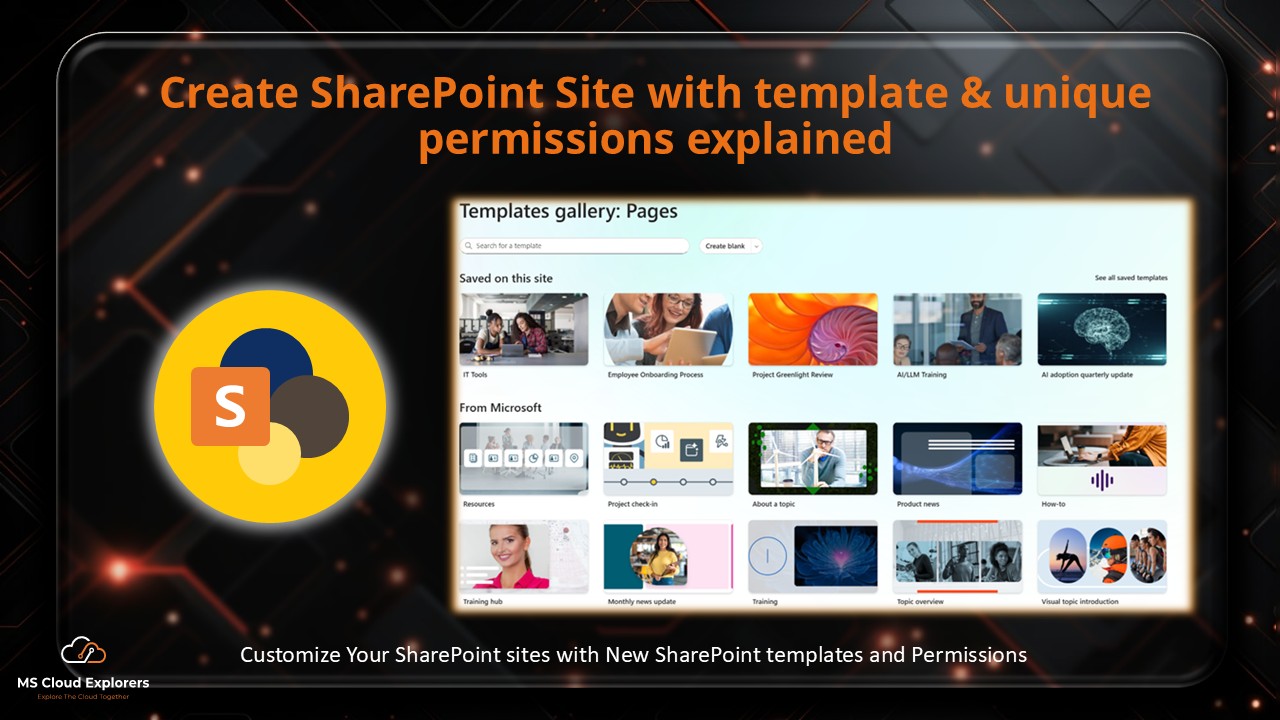
SharePoint Design with new templates and permissions
  • May 29, 2025
  • SharePoint

The Ultimate Guide to SharePoint: Create a Stunning Sites with Template and Manage Permissions

Have you ever wondered how teams at large companies stay organized and efficient while working on complex projects? One of the secret weapons is Microsoft SharePoint—a dynamic platform that...
Continue Reading
How to Block unmanaged devices SharePoint/OneDrive
  • February 1, 2026
  • SharePoint

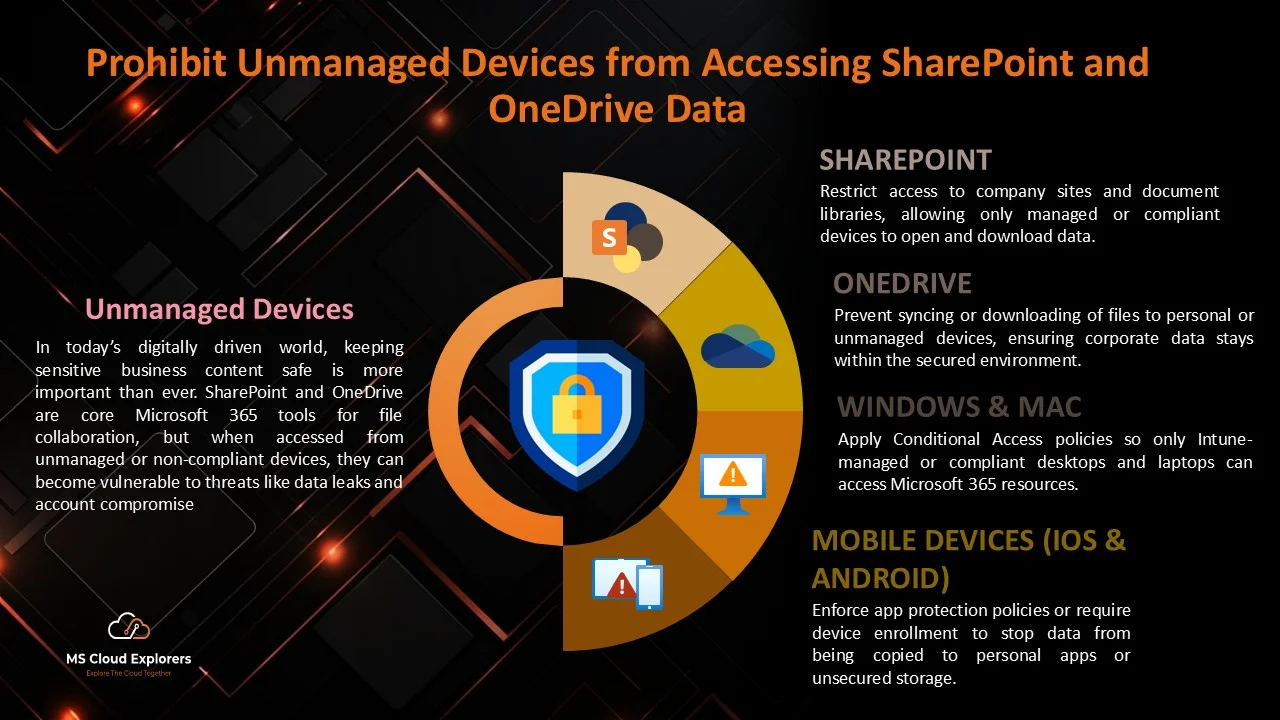
SharePoint Conditional Access Policy (2026 Guide): Block Unmanaged Devices Access Right Way

In today’s hybrid workplace, employees access company data from offices, homes, and public networks. While this flexibility improves productivity, it also raises security risks. A SharePoint Conditional Access Policy...
Continue Reading
OneDrive Prompt for Personal Account Sync
  • January 13, 2026
  • OneDrive

How to Block Personal OneDrive Sync on Work Devices: Protect Organization’s Data (2026)

  Microsoft has introduced a new OneDrive experience that allows users to sync their personal OneDrive account on work devices. With the latest update to the OneDrive Sync Client...
Continue Reading
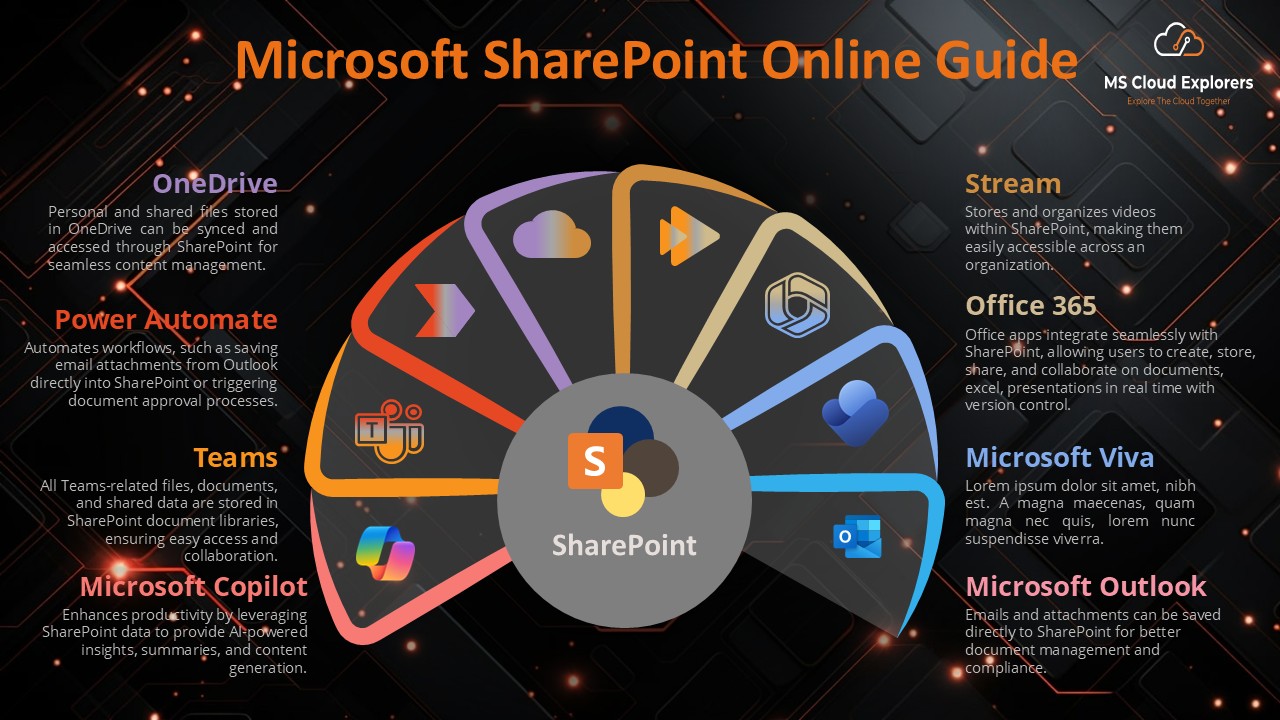
SharePoint Online Guide
  • January 27, 2026
  • SharePoint

Explore Microsoft SharePoint Online: A Comprehensive Guide for Businesses 2026

Discover the ultimate guide to SharePoint Online! Learn its features, benefits, setup process, and how it enhances collaboration for businesses. Explore tips, customization, and security best practices in this...
Continue Reading
About Author
Pankaj Kumar

Pankaj Kumar

Hi, I’m Pankaj Kumar, a Microsoft Cloud Specialist with hands-on experience across Microsoft 365, Azure, and Intune. I’m Microsoft certified in MS-102, AZ-104, AZ-700, AZ-305, and more. I create clear, step-by-step guides that simplify complex cloud concepts, and I regularly share the latest updates, best practices, and insights from the Microsoft ecosystem. Let’s connect and explore your cloud journey together!

Recent Posts

  • How to Deploy Microsoft 365 Apps with Intune: Complete Enterprise Guide
  • Understand Microsoft Teams Channels: A Complete Overview Guide for Every User
  • Microsoft Entra Backup and Recovery: A Complete Guide to Protecting Your Tenant Objects
  • Microsoft Zero Trust Workshop: Complete Security Framework Explained (2026)
  • How to Set Up Single Sign-On (SSO) for Dialpad with Entra ID

Categories

  • Certifications
  • Entra ID (Azure AD)
  • Exchange Online
  • Microsoft 365
  • Microsoft Intune
  • News
  • OneDrive
  • PowerShell
  • Security & Compliance
  • SharePoint
  • Teams

Get in Touch

  • 1400 Subscribers
  • 1250 Fans
  • 102 Followers
  • 2207 Followers

Recent Posts

How to Deploy Microsoft 365 Apps with Intune
How to Deploy Microsoft 365 Apps… April 8, 2026
Microsoft Teams Channels Overview
Understand Microsoft Teams Channels: A Complete… April 7, 2026
Microsoft Entra Backup and Recovery
Microsoft Entra Backup and Recovery: A… April 2, 2026
Microsoft Zero Trust Workshop Overview Guide
Microsoft Zero Trust Workshop: Complete Security… March 30, 2026
Single Sign-in On with Dialpad and Azure AD
How to Set Up Single Sign-On… March 20, 2026

Microsoft 365 Plans

Microsoft 365 Subscriptions

Tags

AZ-104 AZ-140 AZ-700 MS-102 MS-700 News
MS Cloud Explorers

Follow us

Category

  • Microsoft 365
  • Exchange Online
  • SharePoint
  • Teams
  • Entra ID (Azure AD)
  • Microsoft Intune

Quick links

  • Certification Renewal Tests
  • News
  • Blogs
  • Learn

Join Our Newsletter

@2026 All Copyright Reserved. Developed by MS Cloud Explorers.

  • Disclaimer
  • Terms
  • Privacy Policy
  • Cookie Policy