

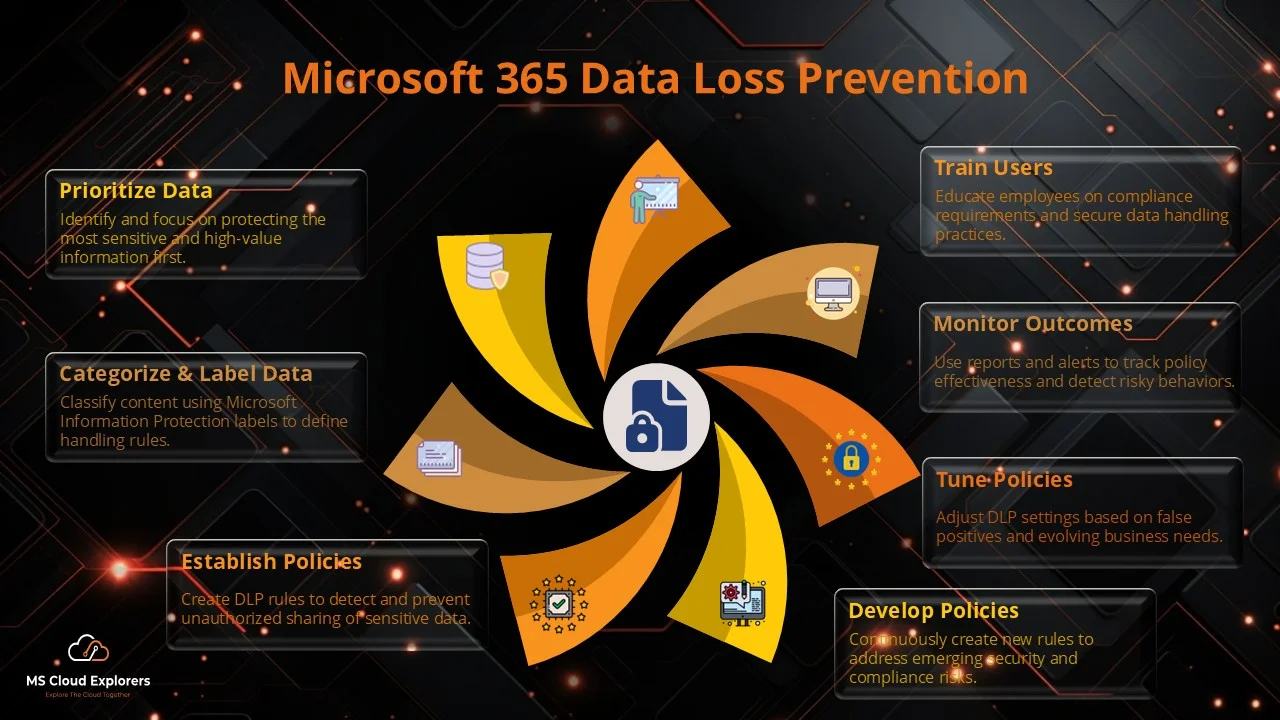
What is Microsoft 365 Data Loss Prevention (DLP)?
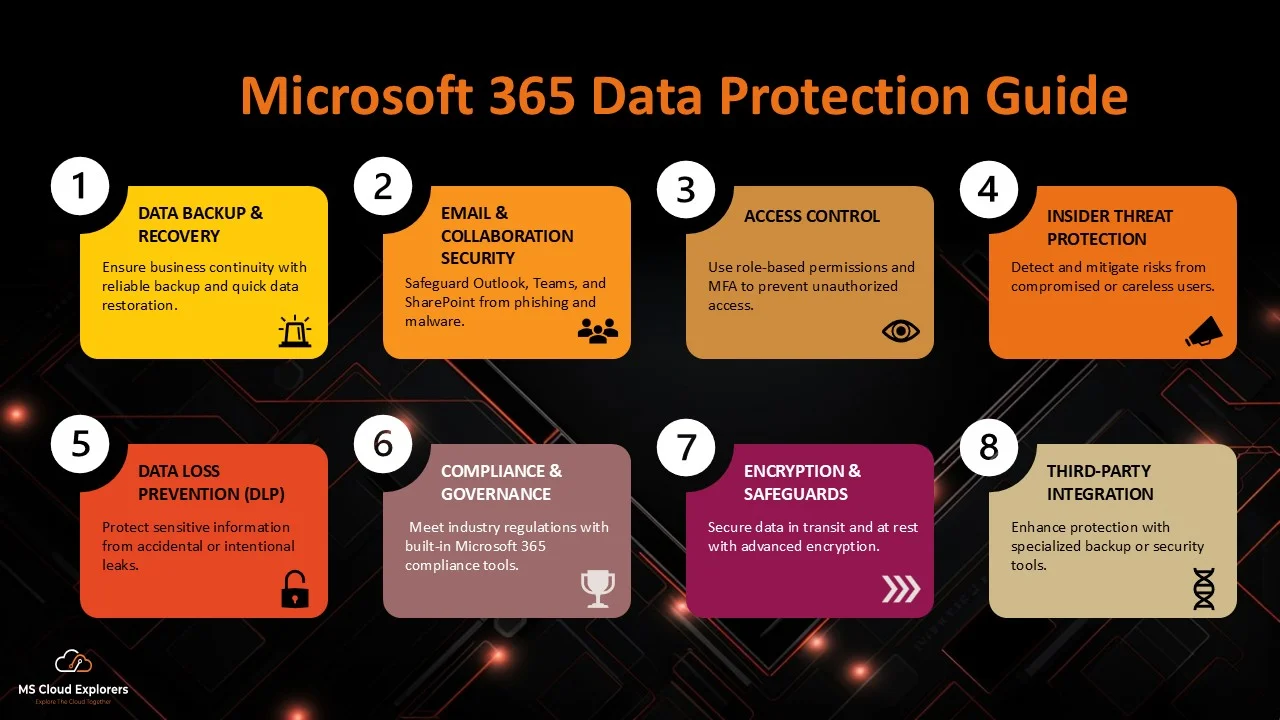
Microsoft 365 Data Loss Prevention (DLP) is a critical security feature designed to help businesses protect sensitive data from being unintentionally shared or exposed outside their organization. By leveraging DLP, companies can create and enforce customized policies across Microsoft 365 applications like Outlook, SharePoint, OneDrive, and Teams. These policies prevent unauthorized access or sharing of confidential information, reducing the risk of data breaches and compliance violations.
Why is DLP Important?
Data Loss Prevention is essential for safeguarding sensitive data, meeting regulatory compliance requirements, and minimizing security risks caused by human error. For instance, imagine an employee accidentally sharing a document containing customer information with an external contact. With DLP policies in place, the company can automatically block this sharing attempt, preventing a potential data breach. By enforcing DLP, organizations can ensure that confidential information stays protected, avoid costly compliance penalties, and strengthen their overall security posture.
Real-World Scenario of DLP in Action:
Let’s say an employee is drafting an email in Microsoft Outlook that includes an Excel spreadsheet with sensitive company financial data. Without DLP, they might mistakenly attach the file and send it to an external recipient. However, with Microsoft 365 DLP enabled, the system scans the content for sensitive data, such as credit card numbers or personal employee details. If it detects anything that violates company policies, it will warn the employee and prevent the email from being sent.
Understanding Data Loss Prevention (DLP)
DLP is a combination of strategies, tools, and technologies designed to detect, monitor, and prevent the unauthorized sharing or exposure of sensitive information. It’s crucial for businesses to implement DLP policies that safeguard intellectual property, comply with regulations, and protect personally identifiable information (PII).
Key Objectives of DLP:
-
Prevent Accidental Data Leaks: DLP minimizes the risk of sensitive data being shared unintentionally through email, chat, or file sharing.
-
Protect Personally Identifiable Information (PII): DLP helps organizations ensure that customer and employee personal data remains confidential.
-
Ensure Compliance with Industry Regulations: With DLP, businesses can meet requirements set by laws like GDPR, HIPAA, and more.
-
Safeguard Intellectual Property: DLP helps protect proprietary business information, trade secrets, and research data from being leaked or exposed.
Microsoft 365 Data Loss Prevention Overview
How DLP Works in Microsoft 365
Microsoft 365 Data Loss Prevention (DLP) is designed to keep sensitive information secure by preventing it from being shared or exposed without authorization. It uses advanced content scanning, policies, and real-time alerts to identify sensitive data and restrict its sharing across platforms like email, cloud storage, and messaging apps.
Integration with Other Microsoft 365 Security Features.
DLP works seamlessly with other Microsoft 365 security tools to provide extra layers of protection:
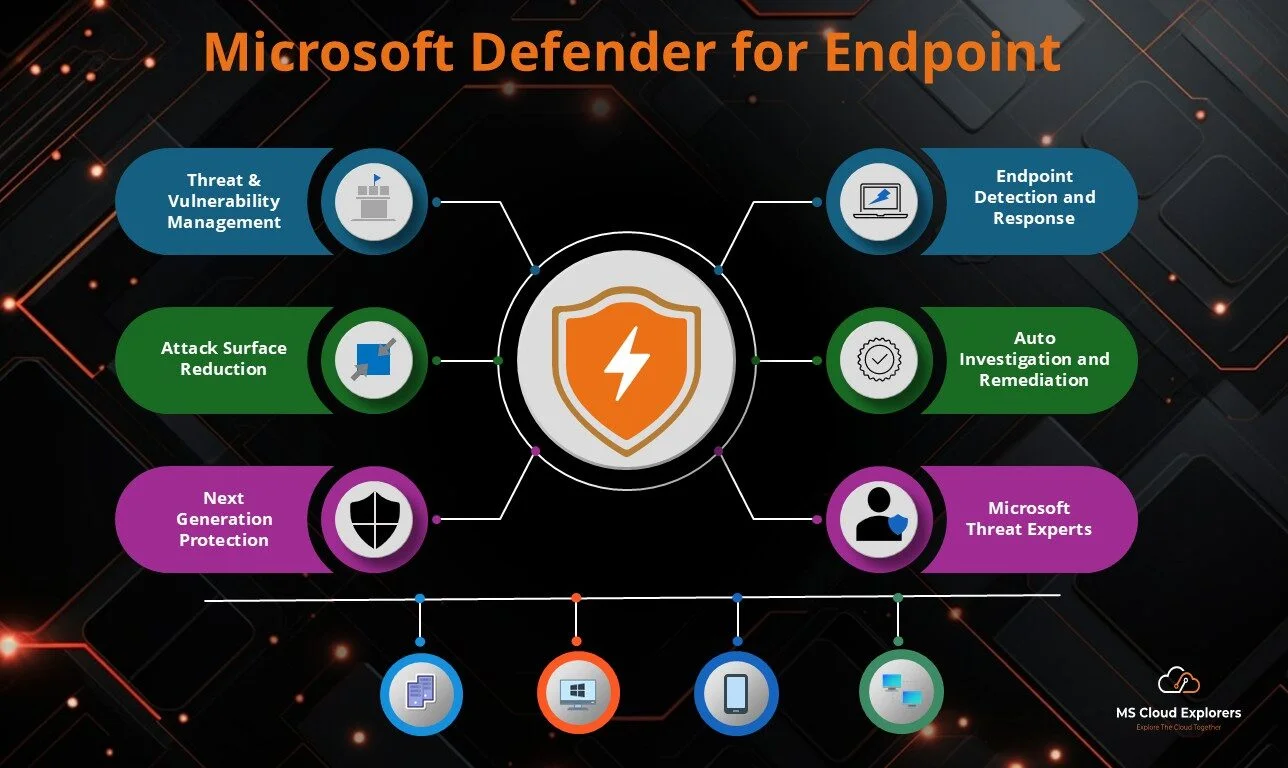
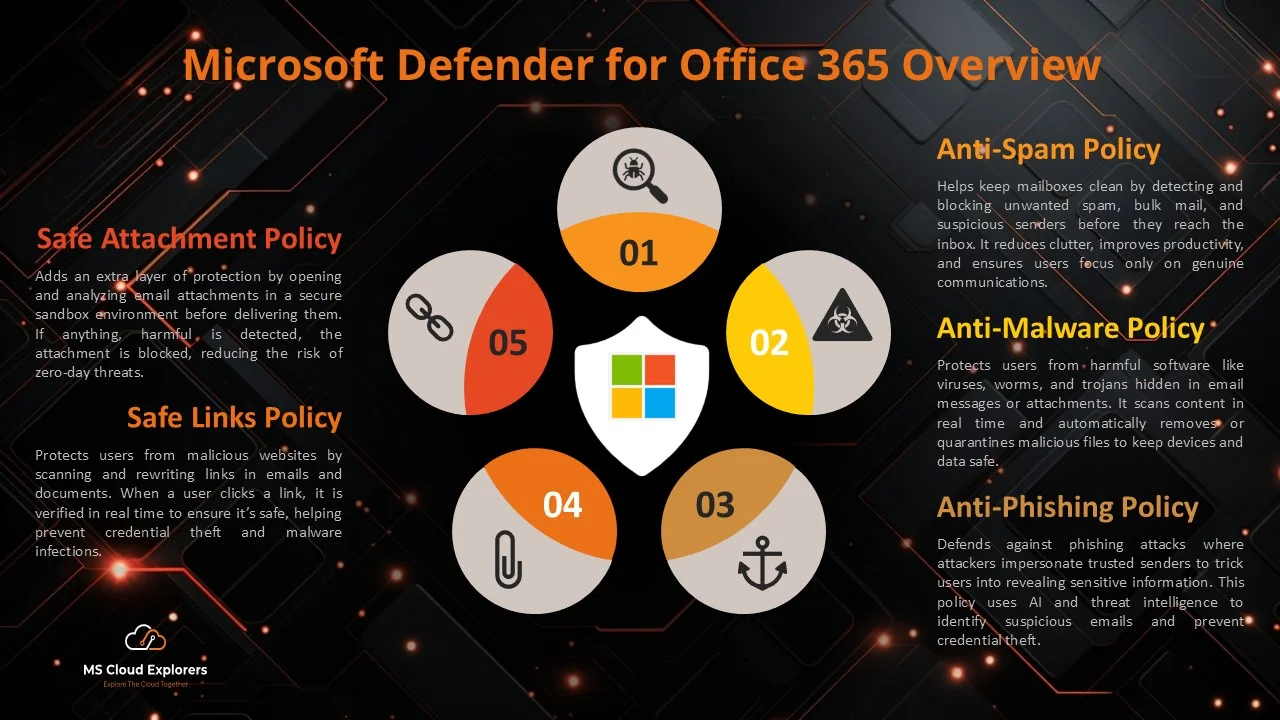
- Microsoft Defender for Office 365: Enhances email security by protecting against phishing and other email threats.
- Microsoft Purview Compliance Portal: Offers a central place to manage and monitor compliance policies across your organization.
- Microsoft Information Protection (MIP): Helps label and classify sensitive information, so it’s easier to manage and protect.
Benefits of Microsoft 365 DLP
- Protects Sensitive Information: Keeps important data safe from unauthorized access or sharing.
- Ensures Compliance: Helps your business meet regulations like GDPR, HIPAA, and ISO 27001, reducing the risk of penalties.
- Reduces Human Error: Prevents employees from accidentally sharing sensitive data, helping avoid costly mistakes.
- Strengthens Security: Improves your overall security posture by ensuring data governance and protection.
Key Features of Microsoft 365 DLP
- Content Inspection and Analysis: DLP scans emails, documents, and messages to detect sensitive information, like credit card numbers or personal details.
- Policy Enforcement: DLP applies rules to ensure sensitive data isn’t shared inappropriately.
- Predefined and Customizable Rules: It offers built-in templates for common compliance needs but also lets you create custom policies based on your business requirements.
- Real-time Alerts: If someone tries to break the rules, admins are notified immediately so they can take action.
- Cloud and Endpoint Protection: DLP extends security across devices and cloud storage, making sure your data stays protected no matter where it’s stored.
Setting Up Microsoft 365 Data Loss Prevention Policies Step-by-Step
Step 1: Accessing the Microsoft Purview Compliance Portal
Navigate to the Microsoft Purview Compliance Portal to manage and configure DLP policies.

Step 2: Creating a DLP Policy

Select a predefined template or create a custom policy tailored to your organization’s needs.

Step 3: Give a Name and Description
Define the Name of Policy and Description for explanation.

Step 3: Configuring Rules and Conditions
Define conditions that trigger DLP actions, such as blocking data sharing or notifying users.
Step 4: Admin Unit
Leave the default for Full Directory
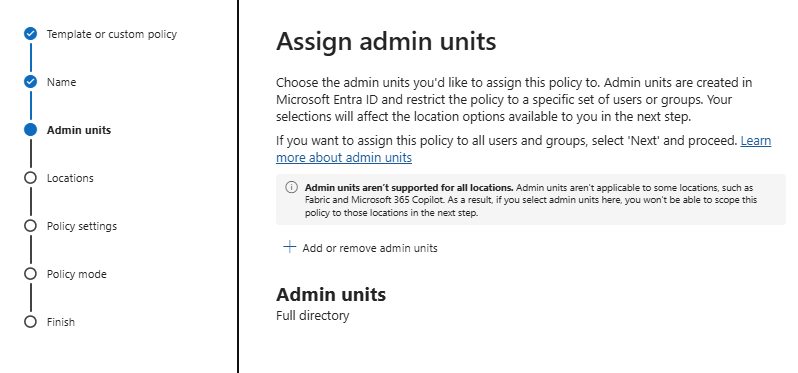
Step 5: Choose the location.
Select the Location where you want to apply the Data Retention.

Step 6: Customize the default template
Customize or create the policy from selected template and modify according to organization’s need.

Step 7: Policy Settings
Set the instance count in this setting if you overdrive the default options or leave the default settings

Instance Count – A DLP rule is configured to trigger an alert if five or more credit card numbers appear in a document. If a document contains only one credit card number, it might not trigger the rule, but if it contains five or more, the policy enforcement action (e.g., Medium Confidence, or High Confidence) will apply on the document.

Step 8: Protection Actions
Select the actions if the content is match with the DLP policies. You can setup the Notification for Compliance Administrator to Notify the Alerts.

Step 9: Customize access and Override Settings
Choose the Override options’ as per organization needs.

Step 10: Define the Policy Mode
Run test policies before full deployment to ensure effectiveness.

Apply the Microsoft 365 Data Loss Prevention Policy with Information Protection
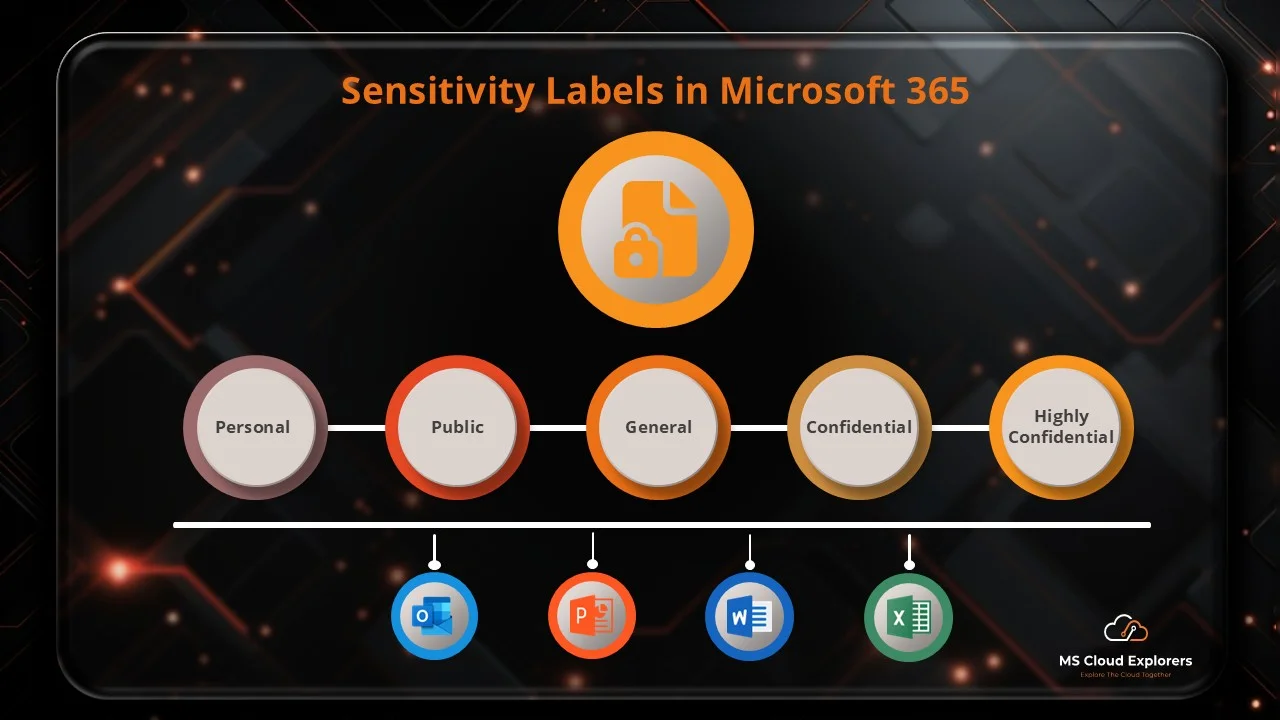
You can enhance DLP policies by integrating them with sensitivity labels from Microsoft Information Protection (MIP). This integration enables data classification, allowing DLP policies to be applied based on assigned labels. As a result, organizations gain more precise control over data protection and compliance.
Check out the Complete guide on Microsoft Information Sensitivity Labels.
Microsoft 365 DLP Policy Templates
- Predefined Templates: Designed for industries like healthcare, finance, and legal.
- Custom Policy Creation: Allows organizations to create rules based on specific needs.
Common Use Cases for Microsoft 365 DLP
- Preventing Accidental Data Sharing
- Securing Financial and Healthcare Data
- Protecting Intellectual Property
- Compliance with GDPR, HIPAA, and Other Regulations
Best Practices for Implementing Microsoft 365 DLP
- Define clear data protection policies
- Educate employees about DLP policies
- Continuously monitor and update DLP policies
- Integrate with other Microsoft security tools
Challenges and Limitations of Microsoft 365 DLP
- False Positives and Negatives: Requires fine-tuning to minimize errors.
- Complexity in Policy Management: Needs proper planning and administration.
- User Resistance and Compliance Issues: Employees may find policies restrictive.
Monitoring and Reporting in Microsoft 365 Data Loss Prevention
- Using Microsoft Defender for Compliance Insights: Provides real-time threat detection.
- Reviewing Policy Violations: Helps identify security gaps.
- Generating Reports for Audits: Ensures compliance and documentation.
Future of Microsoft 365 Data Loss Prevention
- AI and Machine Learning Integration: Enhances automation and detection capabilities.
- Enhanced Automation for Policy Enforcement: Reduces manual efforts in policy management.
- Expanding Support for More Data Sources: Covers emerging cloud and on-premise environments.
What License is Required for Microsoft 365 Data Loss Prevention?
- M365 E3/O365 E3 and M36 Business Premium: Basic DLP features.
- Microsoft 365 E5: Advanced security capabilities and analytics.
Conclusion
Microsoft 365 DLP is a powerful tool for protecting sensitive data, ensuring compliance, and minimizing security risks. Businesses of all sizes should adopt DLP strategies to safeguard their information effectively.
FAQs
1. What types of data can Microsoft 365 DLP protect?
Microsoft 365 DLP can protect sensitive data such as credit card numbers, Social Security numbers, health records, financial data, and intellectual property.
2. How does Microsoft 365 DLP detect sensitive information?
It uses predefined and customizable rules to analyze data patterns, keywords, and metadata across emails, OneDrive, SharePoint, and Teams.
3. Can Microsoft 365 DLP prevent insider threats?
Yes, it can monitor and restrict data sharing to prevent unauthorized access or accidental leaks by employees.
4. Is Microsoft 365 DLP suitable for small businesses?
Absolutely! Microsoft 365 DLP is scalable and can be customized to fit the security needs of businesses of all sizes.
5. How often should DLP policies be reviewed?
It’s recommended to review and update DLP policies quarterly or whenever there are changes in compliance regulations or business needs.
Related URLs:-
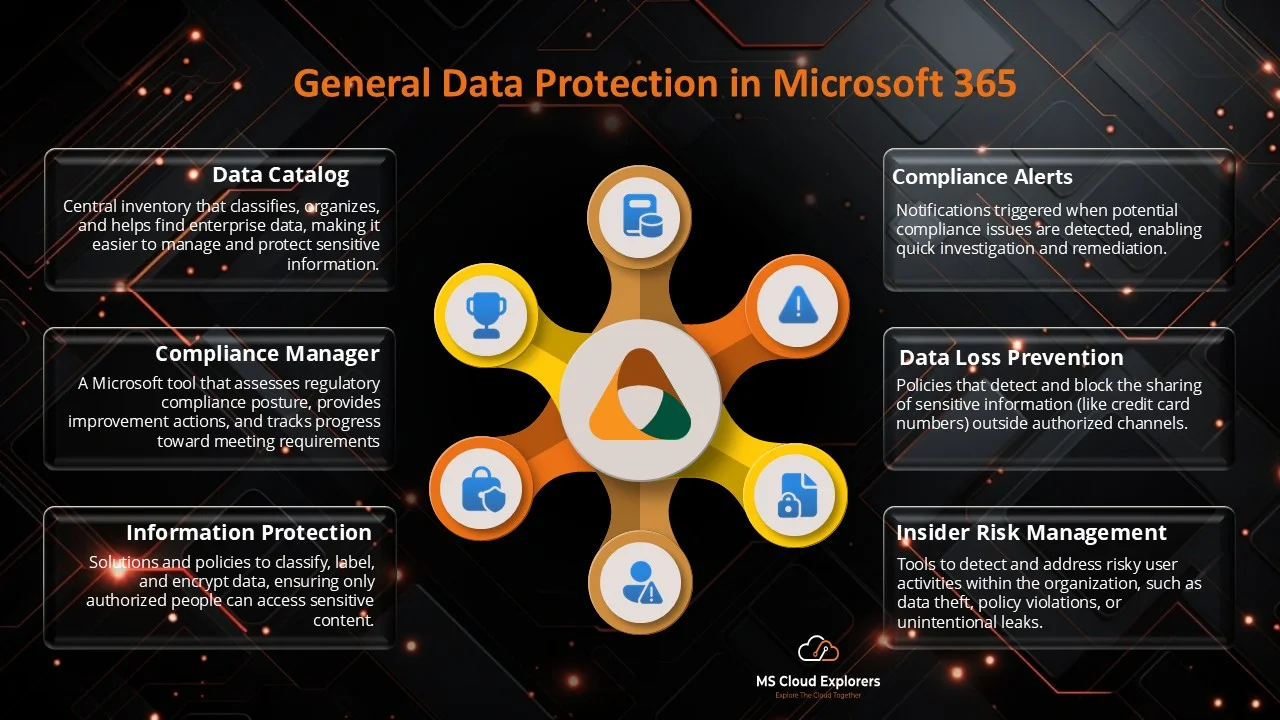
- General Data Protection in Microsoft 365: Ensuring Data Privacy and Security
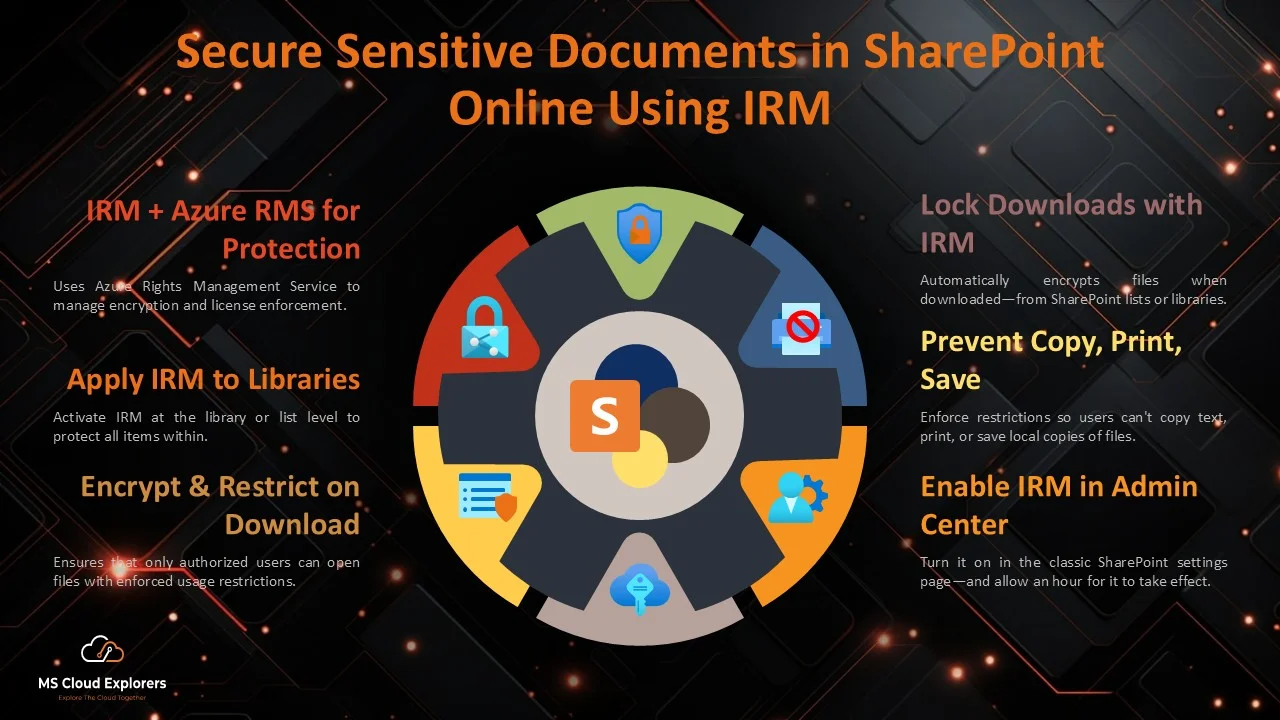
- Secure Sensitive Documents in SharePoint Online Using IRM: A Step-by-Step Guide
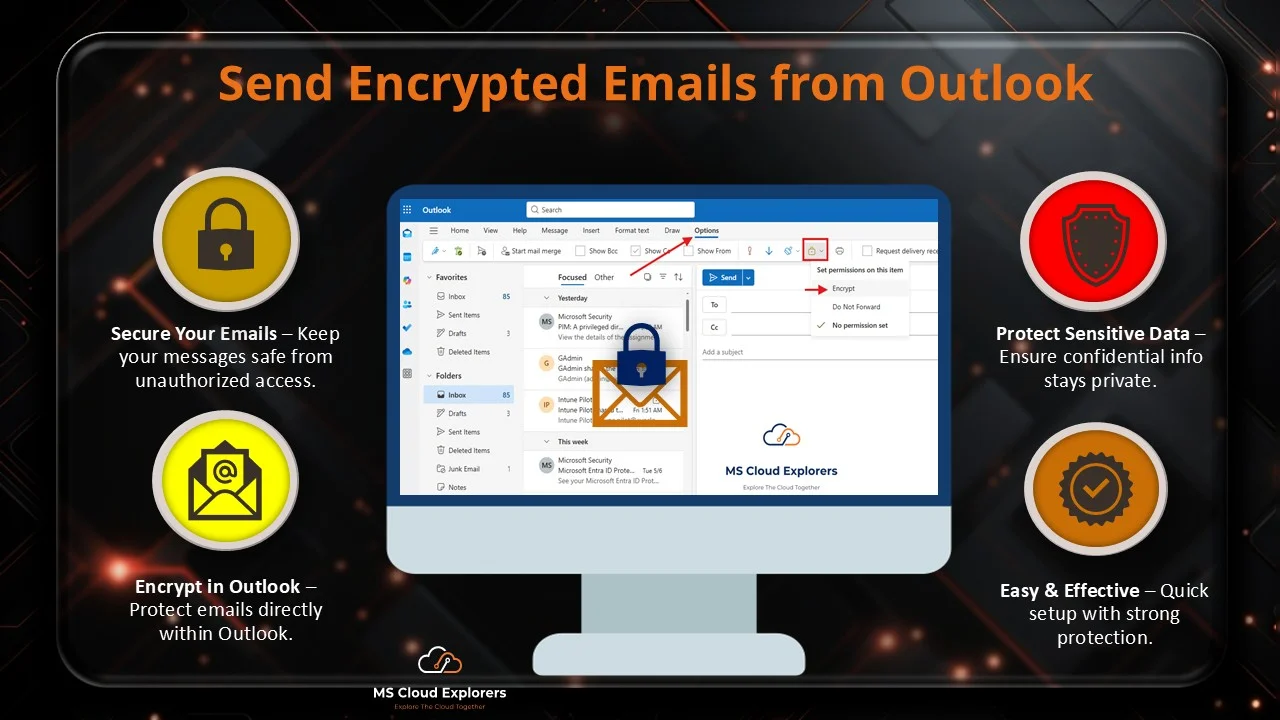
- How to Send Encrypted Email in Outlook: A Step-by-Step Guide for Beginners
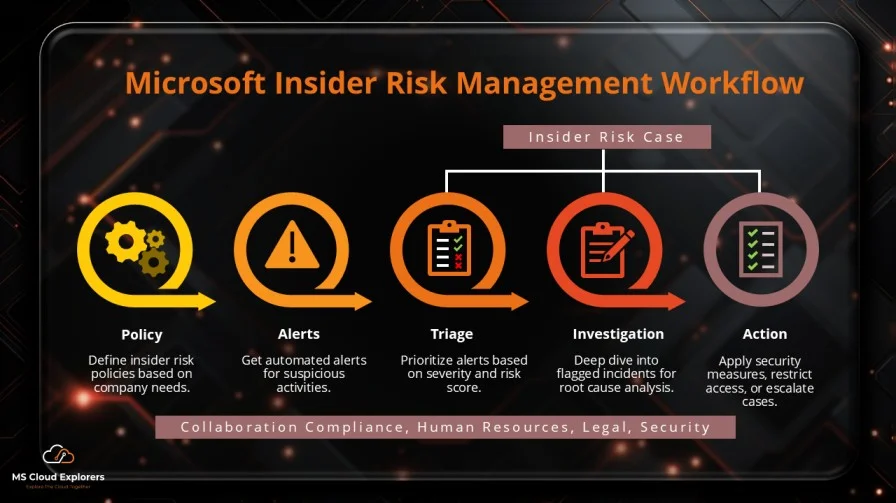
- Microsoft Insider Risk Management: A Complete Guide to Prevent Insider Threats
- Microsoft Sensitivity Labels Explained: Boost Security and Compliance in Microsoft 365
Enjoyed the article?
We’d love to hear your thoughts—share your comments below!
For more insights, guides, and updates from the Microsoft ecosystem, be sure to subscribe to our newsletter and follow us on LinkedIn. Stay connected and never miss out on the latest tips and news!


Helpful guide on setting up Microsoft 365 Data Loss Prevention! The walkthrough through policy creation and rule testing is clear and practical. It would be great to see a comparison of template scopes vs custom rules to help understand when each is best. Thanks for sharing this
Great guide! Setting up DLP always felt complex, but this made it much easier to follow.
Thanks so much! We’re glad the step-by-step helped simplify the process. Let us know if you’d like a deep dive into specific DLP policies next.
Thank you! I’m glad the DLP setup guide was useful. That’s a great idea—I’ll add a section comparing built‑in policy templates vs custom rule configurations to clarify when to use each. Appreciate your feedback!